
|


OpenAI has really been cooking lately.
 |
They’ve gone CRAZY on capabilities and features for Codex, their fast-growing Claude Code competitor.
In the last couple of weeks, Codex got in-app browser use, image generation, and computer use.
 |
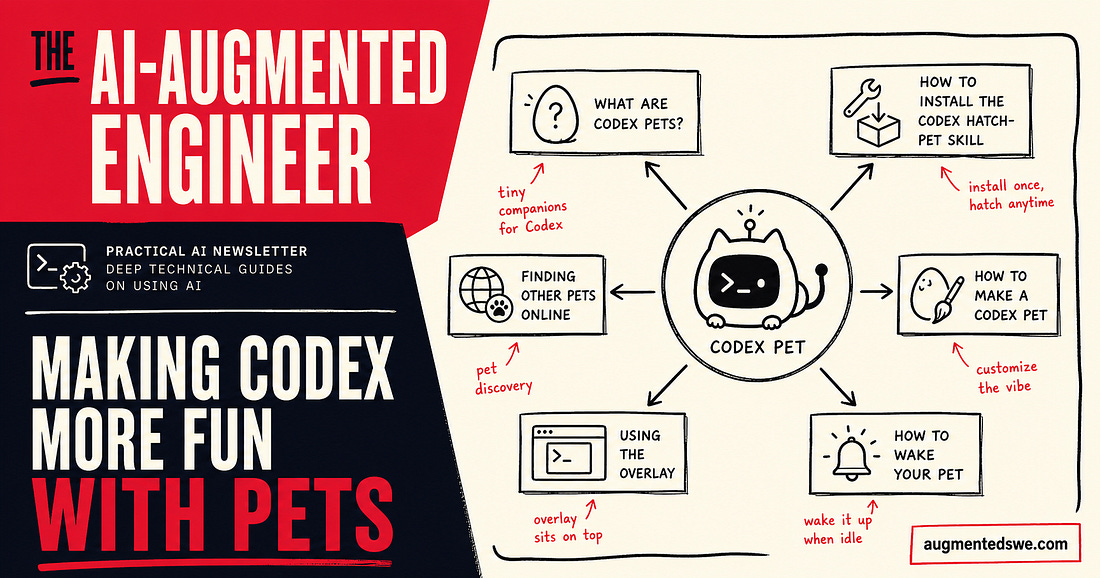
But today’s newsletter isn’t about that. Today’s newsletter is about adding some fun to Codex.
Today’s newsletter is sponsored by my friends at Augment Code.
Augment was kind enough to give me early access to Intent, their next-generation tool for developing software.
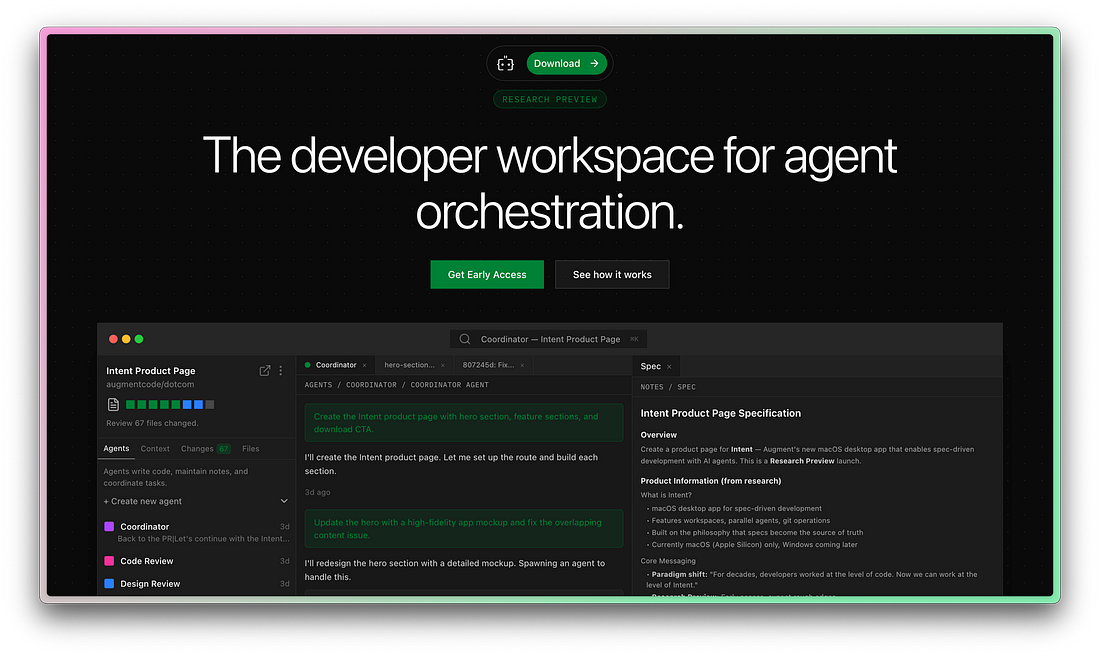 |
All signs are pointing to the fact that the IDE is no longer the ideal place to create software.
Augment Code has jumped on this opportunity, and my first impressions are great.
What are Codex pets?
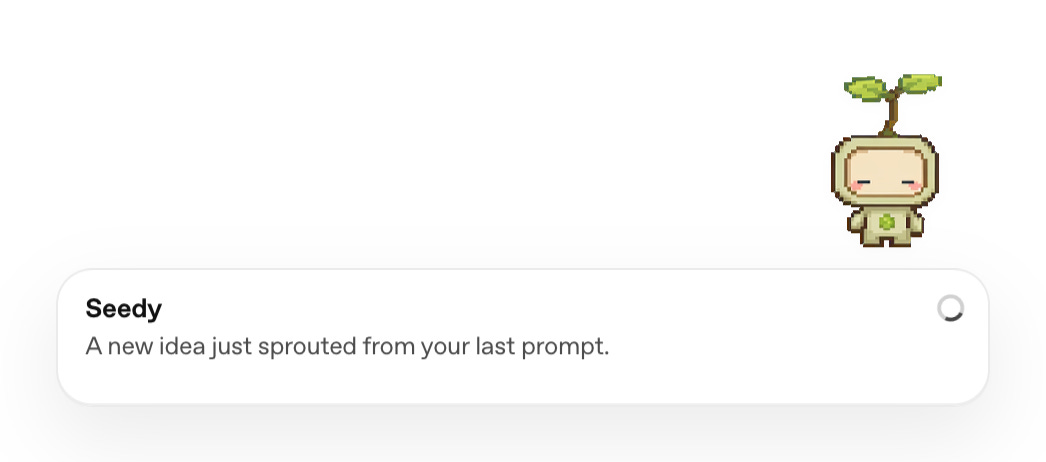
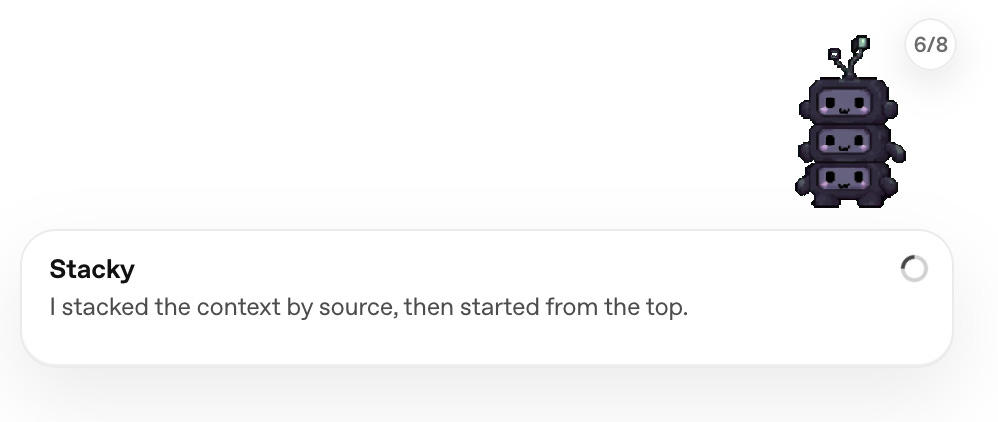
Codex pets are optional companions for the Codex app.
They are not for productivity. They’re for fun!
 |
One thing to note is that Codex pets are only available in the app, so if you’re using the CLI you’re out of luck.
How to install the Codex hatch-pet skill
First, you have to install the hatch-pet skill.
$skill-installer hatch-pet
Note that you should run this inside a Codex chat, not just in your terminal.
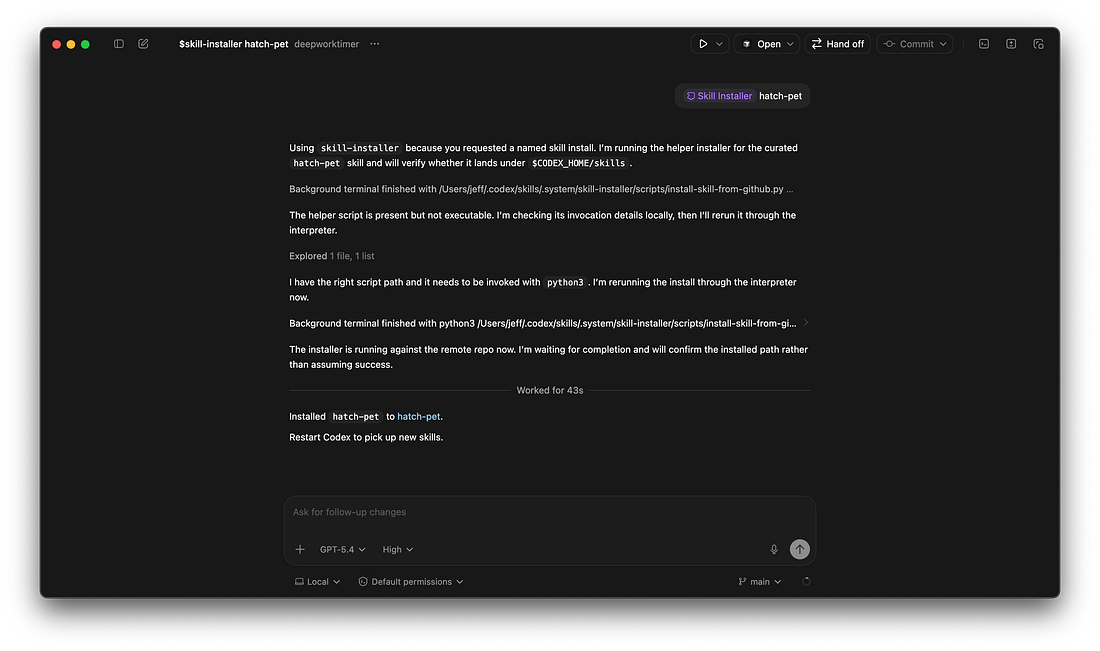 |
Once it’s done, restart Codex.
I’m glad OpenAI adopted the Skill standard, it makes it easier to switch back and forth between Claude Code.

How to make a Codex pet
You can make your first pet by invoking the hatch-pet skill, which you can do with a slash command.
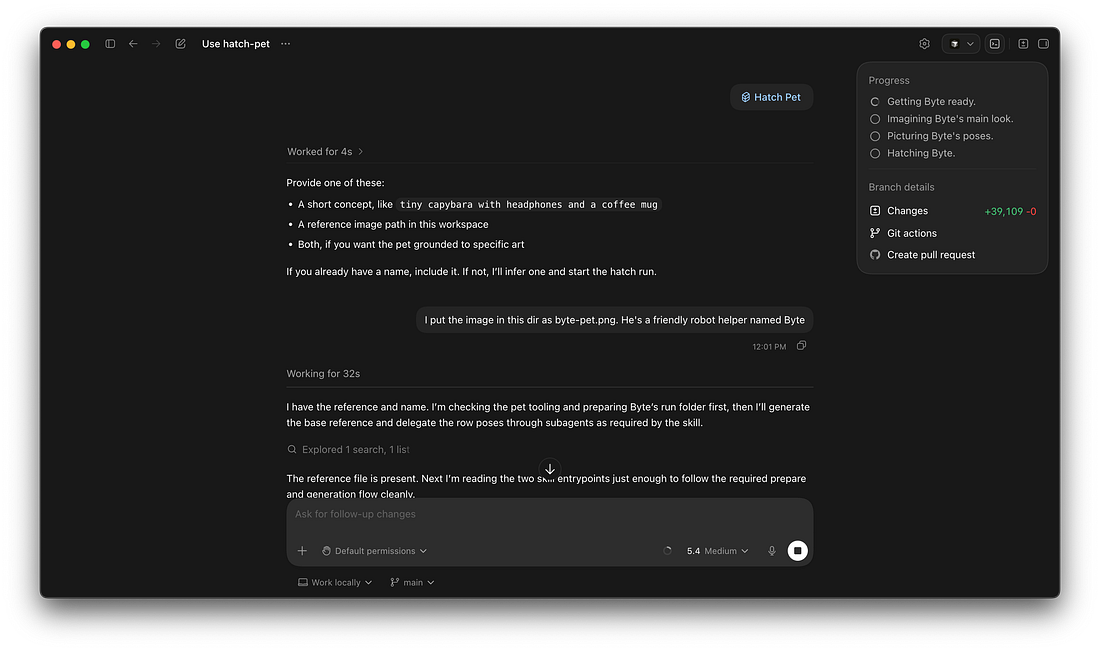 |
You’ll need to be on a recent Codex version for this to work. It uses the $image-gen tool, which requires that your Codex app supports plugins (a relatively recent addition).
Codex will generate an image and do a LOT of work to get variation sprites ready so your “pet” can be animated.
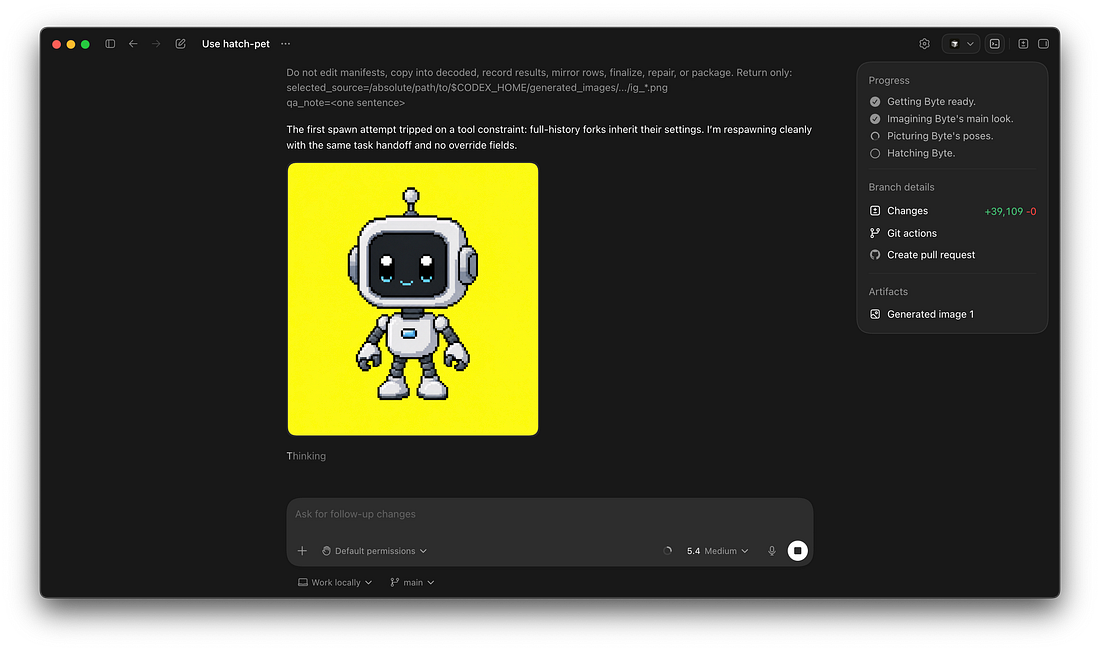 |
If you click into one of the subagents, you can get a bit more visibility into what it’s doing.
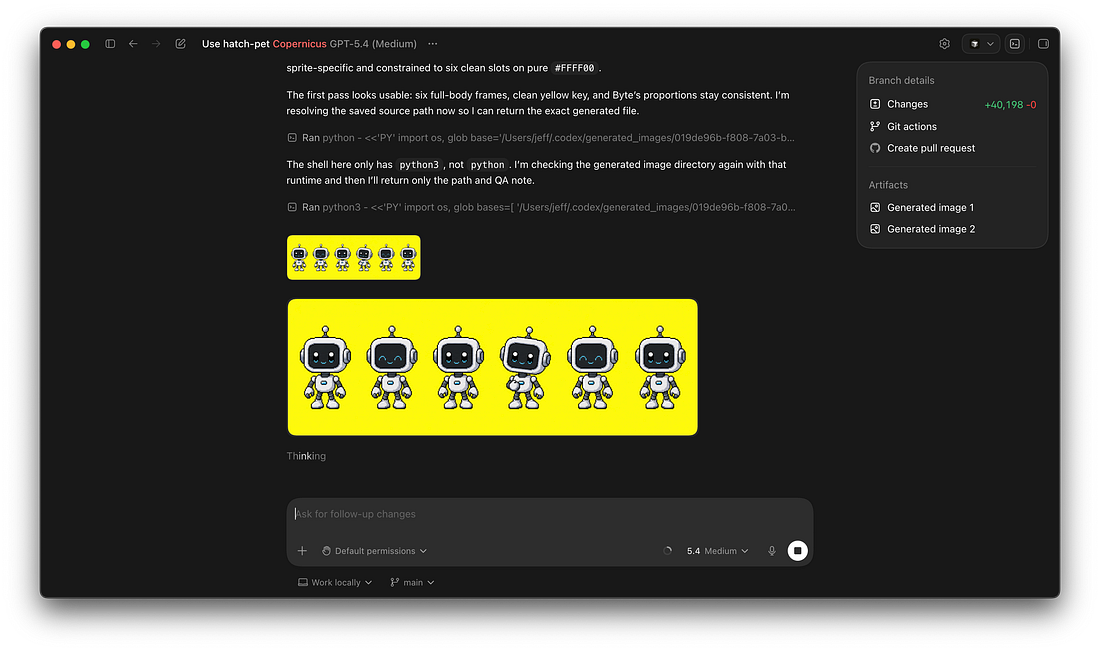 |
Codex took quite a long time for me, but eventually “Byte”, my first pet was ready!
Codex offered to save the pet, and it was packaged at .codex/pets/byte/pet.json with its spritesheet at .codex/pets/byte/spritesheet.webp.
How to wake your pet
Running /pet will wake the default pet.
To select the pet you’re interested in, go to Settings → Appearance → Pets
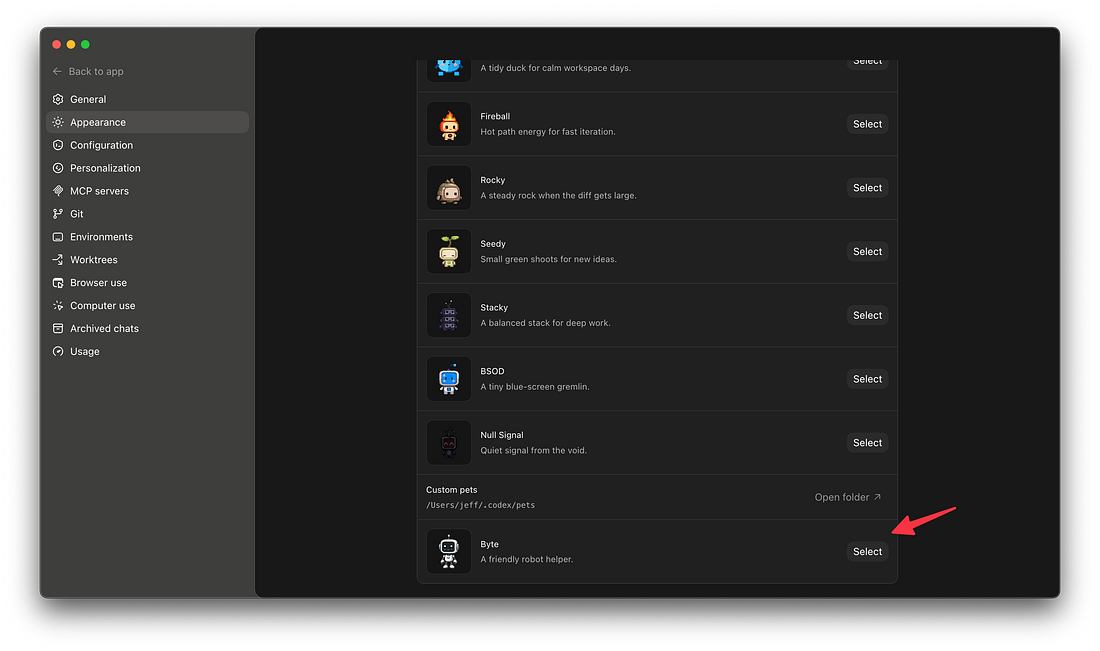 |
Then, you can select your custom pet.
Using the overlay
You’ll notice that Codex puts your pet in an overlaay in the bottom right coner of your screen. The overlay will persist throughout other screens on your computer, which is part of the point!
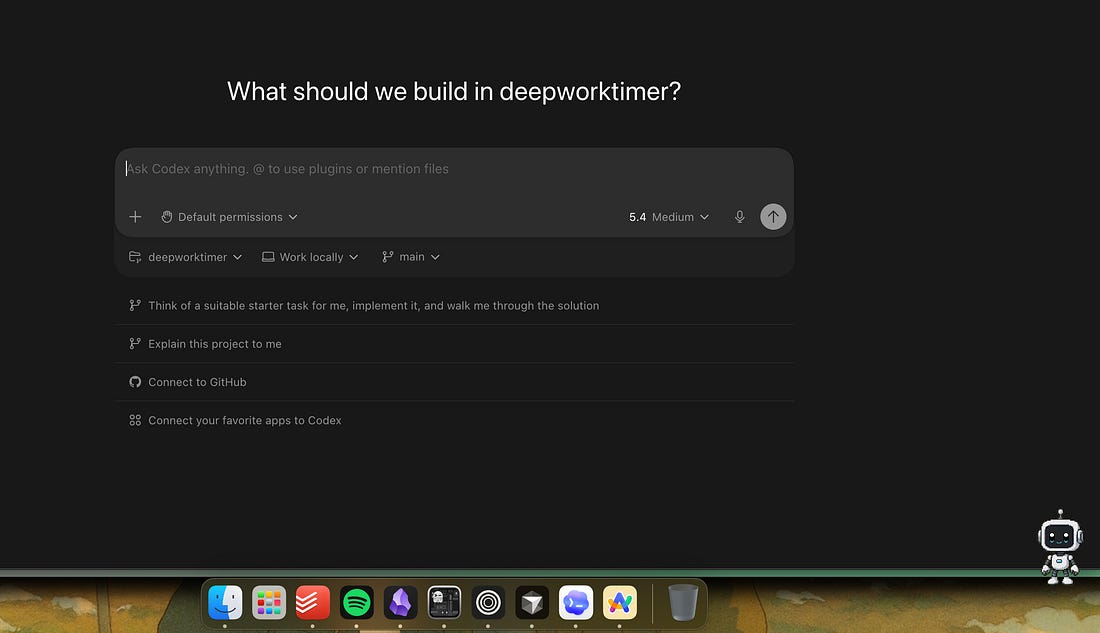 |
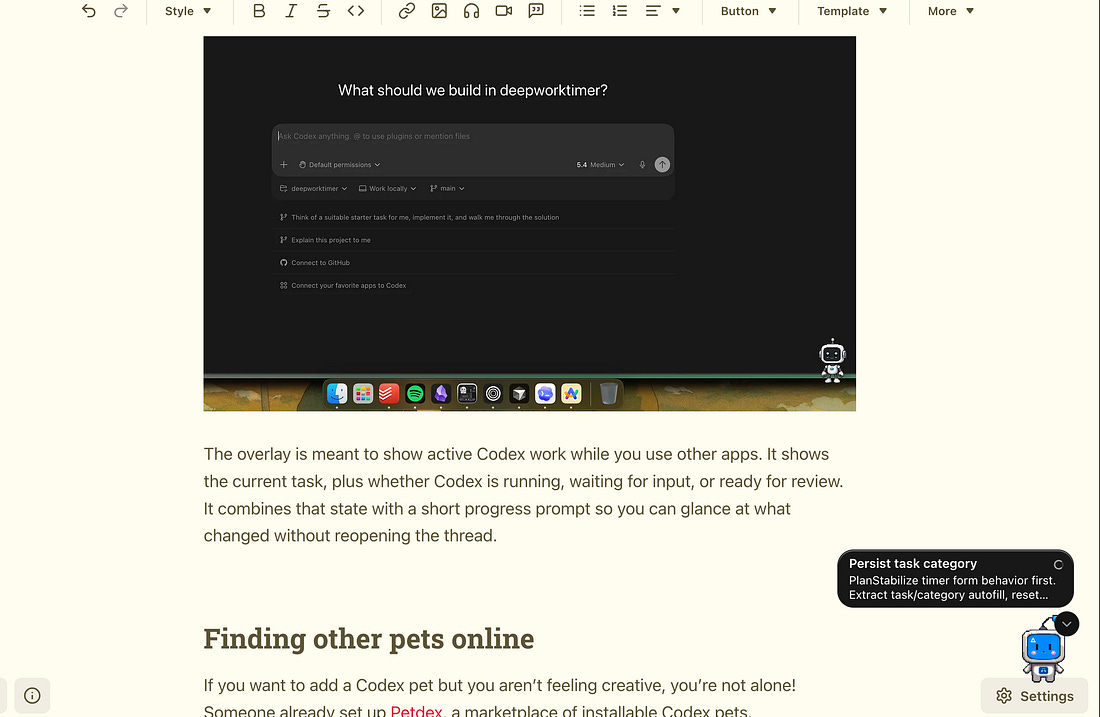
The overlay is meant to show active Codex work while you use other apps. It shows the current task, plus whether Codex is running, waiting for input, or ready for review. It combines that state with a short progress prompt so you can glance at what changed without reopening the thread.
For example, look at this Codex pet while a task runs as I write this newseltter!
 |
And when it finished:
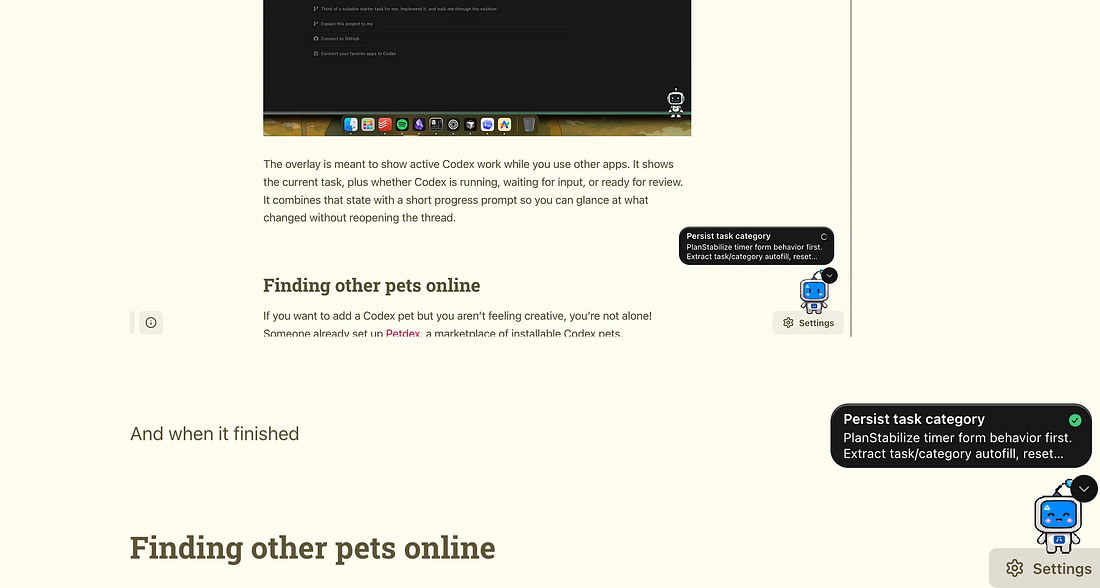 |
This makes using Codex marginally more productive and way more fun.
Finding other pets online
If you want to add a Codex pet but you aren’t feeling creative, you’re not alone! Someone already set up Petdex, a marketplace of installable Codex pets.
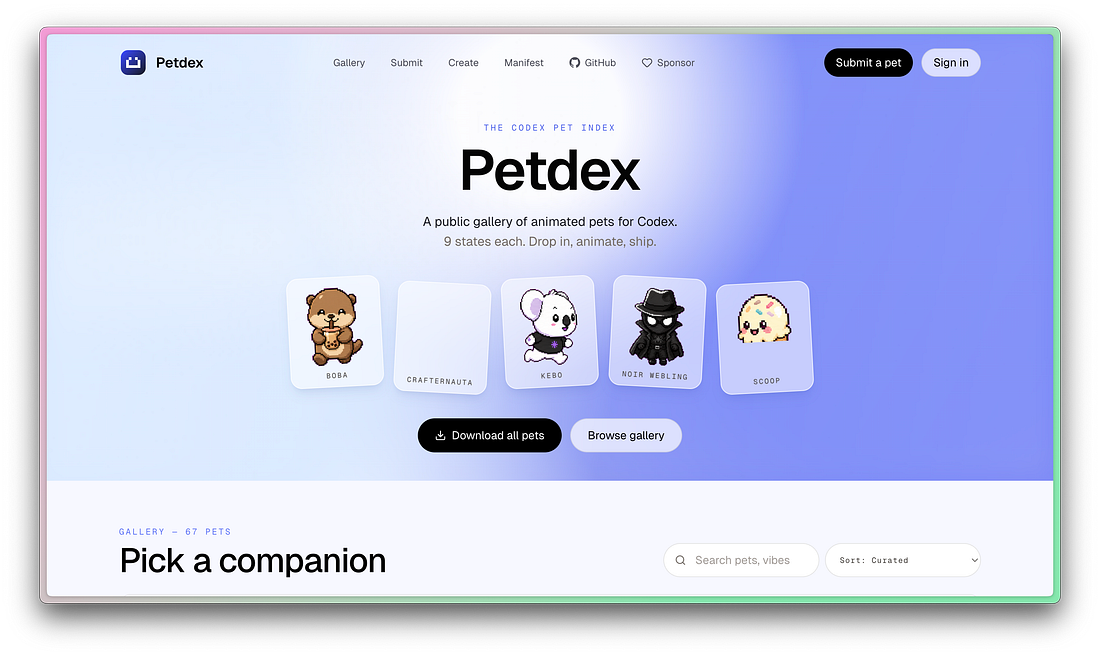 |
As you click into one of these, you’ll see a curl command for installing the pet.
Like this newsletter? Share it with a friend! If 3 of your friends join from your referral, you’ll get a free month membership!
Invite your friends and earn rewards
| ||||||||||
| ||||||||||


