Hey everyone 👋

New updates and tips from TypingMind this week are here!

Check it out!

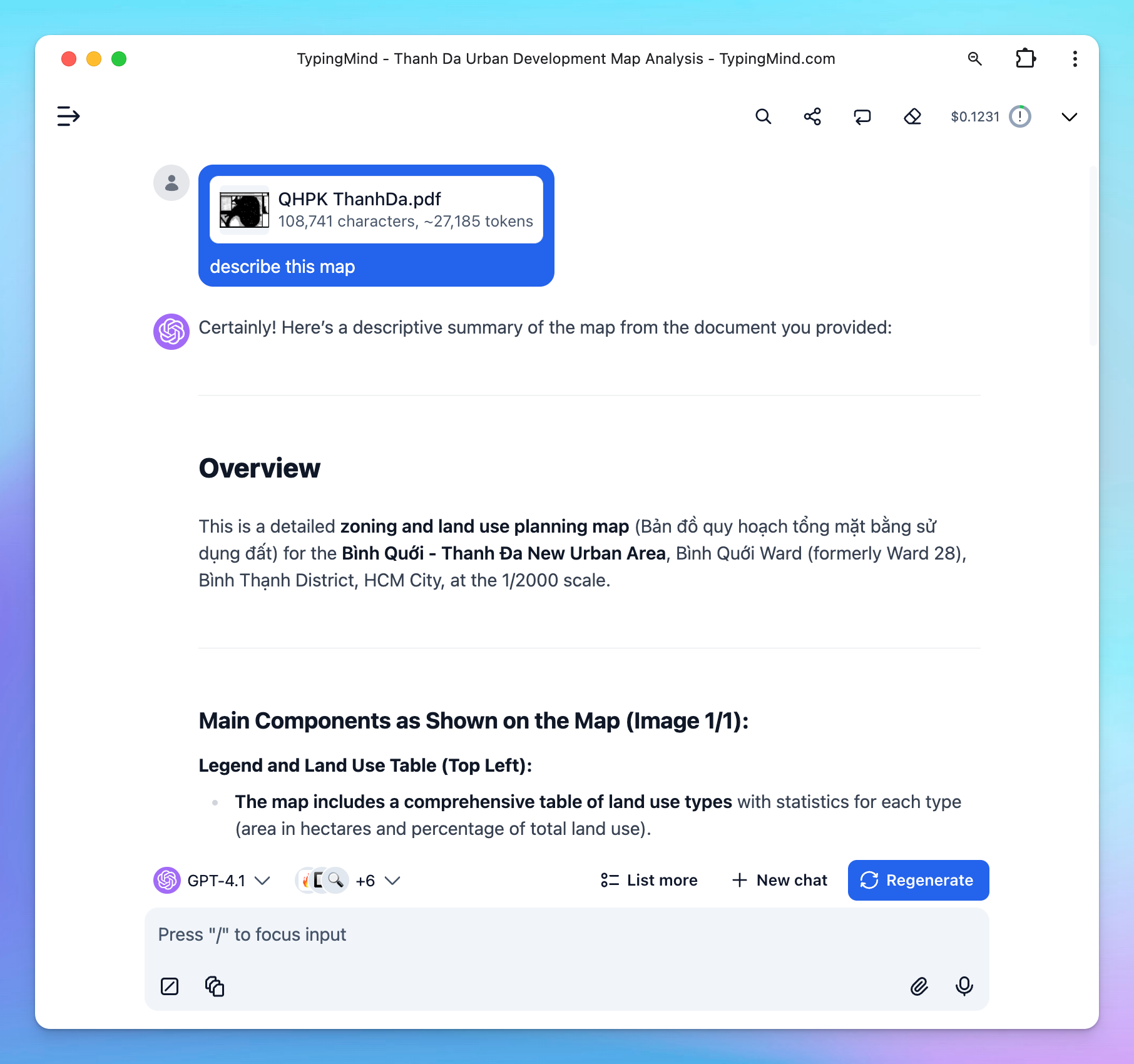
🗂️ Added native PDF parsing to TypingMind (Image-based PDF support)

We have just added native PDF parsing in TypingMind. Works with ALL model providers - OpenAI, Gemini, Claude, and all custom models that use a compatible API.

TypingMind can now read images, graphs, diagrams, and tables in PDF files much better!

native pdf parsing

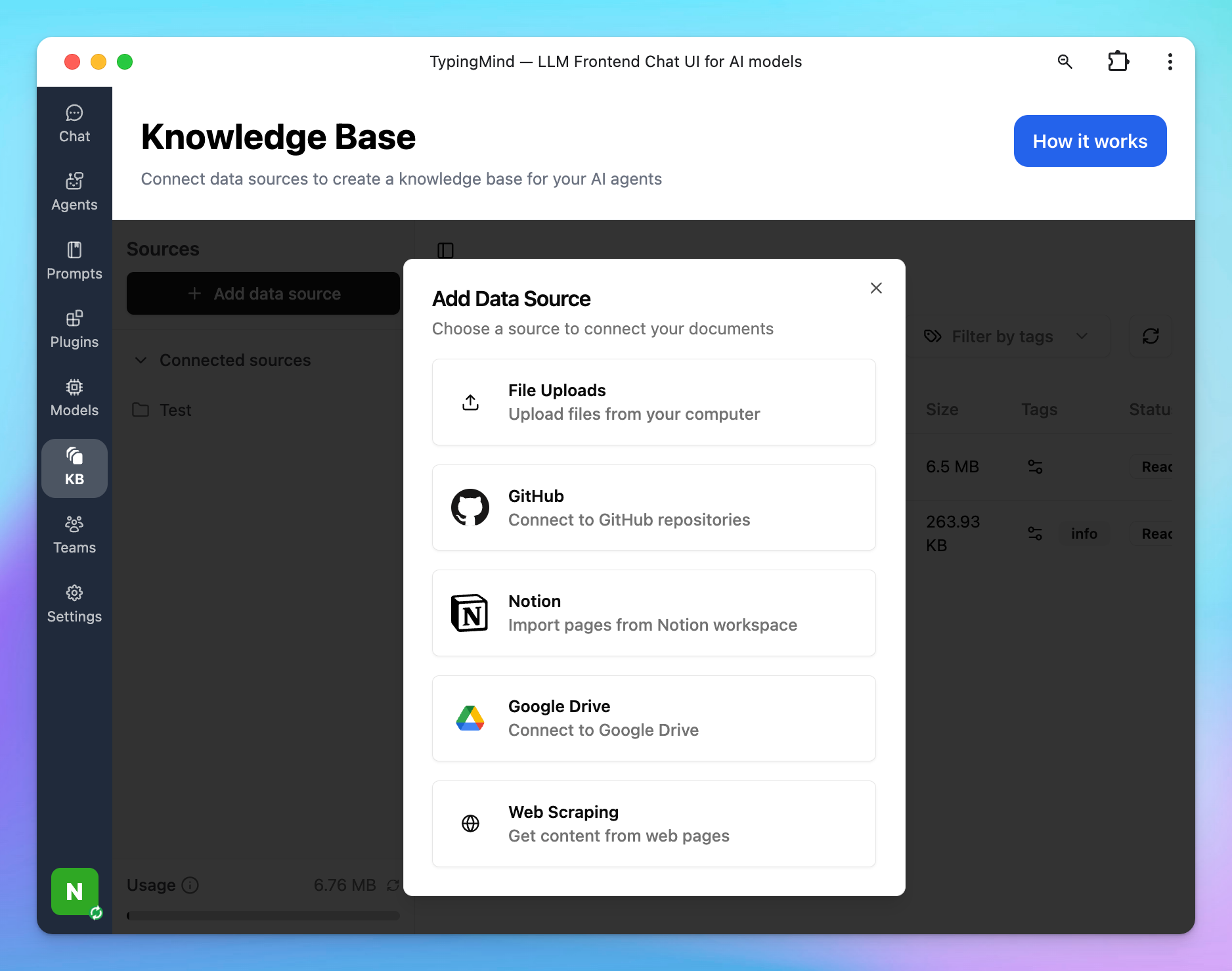
🔗 Connect external sources for Knowledge Base

Knowledge Base at TypingMind.com (License version) can now connect to external data sources!

Now supported: GitHub, Notion, Google Drive, Web Scrape. More integrations are coming soon.

kb sources

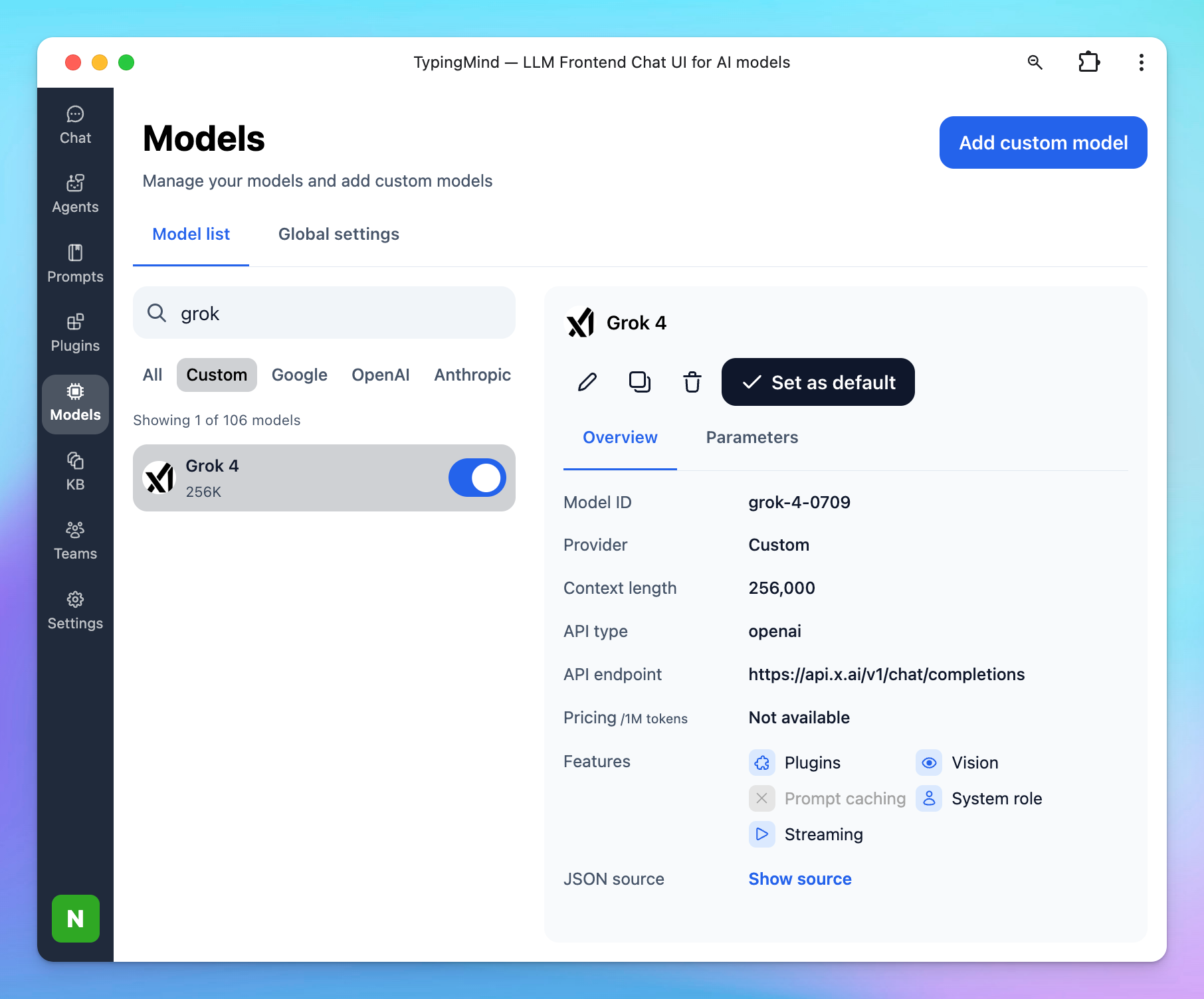
🤖 Use Grok 4 on TypingMind

You can set up Grok 4 as custom model on TypingMind.

Here's how: Set up Grok 4

grok 4

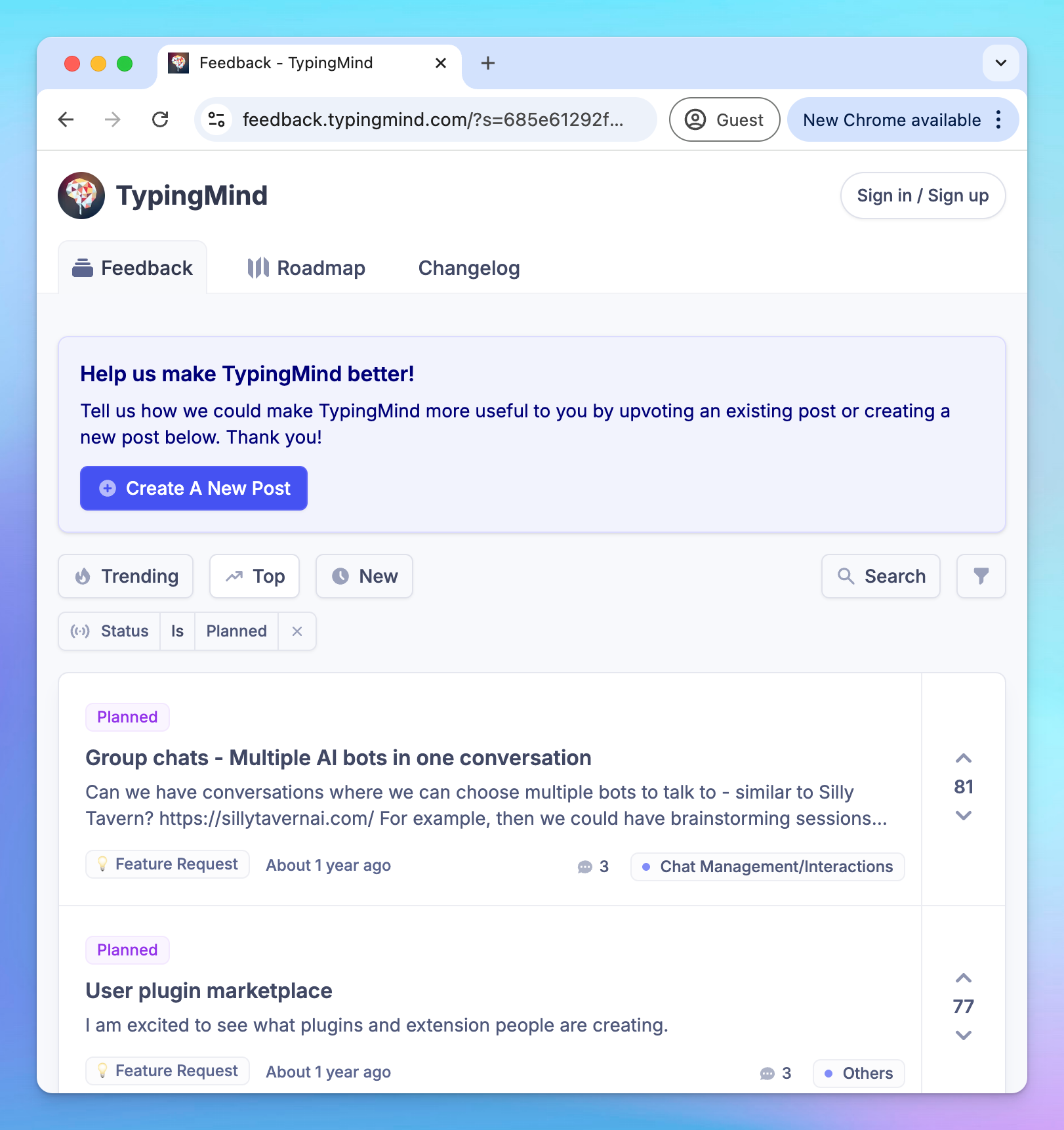
➡️ Moved the Ideaboard and Changelog page 

TypingMind's ideaboard and changelog page have been changed to a better system. All of the existing posts have also been migrated there.

- Ideaboard: https://feedback.typingmind.com/
- New changelog page: https://feedback.typingmind.com/changelog
- Changelog RSS Feed: https://feedback.typingmind.com/api/v1/changelog/feed.rss

new feedback

Full changelog and tips

🧪 See our product updates and improvements → feedback.typingmind.com/changelog I RSS Feed

🔍 View product guidelines → docs.typingmind.com

📖 Tips to maximize TypingMind's full potential → blog.typingmind.com

💡 Feature requests and Public roadmap → feedback.typingmind.com

🤖 Build an internal AI workspace for your team → custom.typingmind.com

📚 50+ Advanced ChatGPT Prompts ebook →  typingmind.com/ebook

That's all for now!

Hope you enjoy these updates!

- TypingMind Team

unsubscribe