Hey everyone 👋 New updates and improvements from TypingMind are coming! Check them out! |
🧩 Multi-function Plugin and Improvements |
We have improved the TypingMind Plugin system with major changes to allow more flexible use cases and better UX: |
-
Multi-function Plugins: plugins can now have multiple functions, with each function implementable in different ways: JavaScript code, HTTP requests, or MCP.
- Better UI/UX for plugin function calls: consecutive plugin calls are now grouped for better UX.
- Improved Plugin Editor: now includes "Fill example" for user settings and OpenAI specifications. Plugin Preview now supports previewing MCP tools.
- Introducing a new Plugin Output Type: Cards (see documentation for more details).
- Improved formatting for tool call JSON output (TypingMind Personal version).
|
We have also fixed multiple Plugin system issues, including OAuth tokens not being passed to MCP tools, Claude occasionally missing "tool_result" in tool calls, and Gemini rejecting certain plugins due to unrecognized fields. |
Note: All changes are compatible with old plugins. There is no change needed to your existing plugins. |
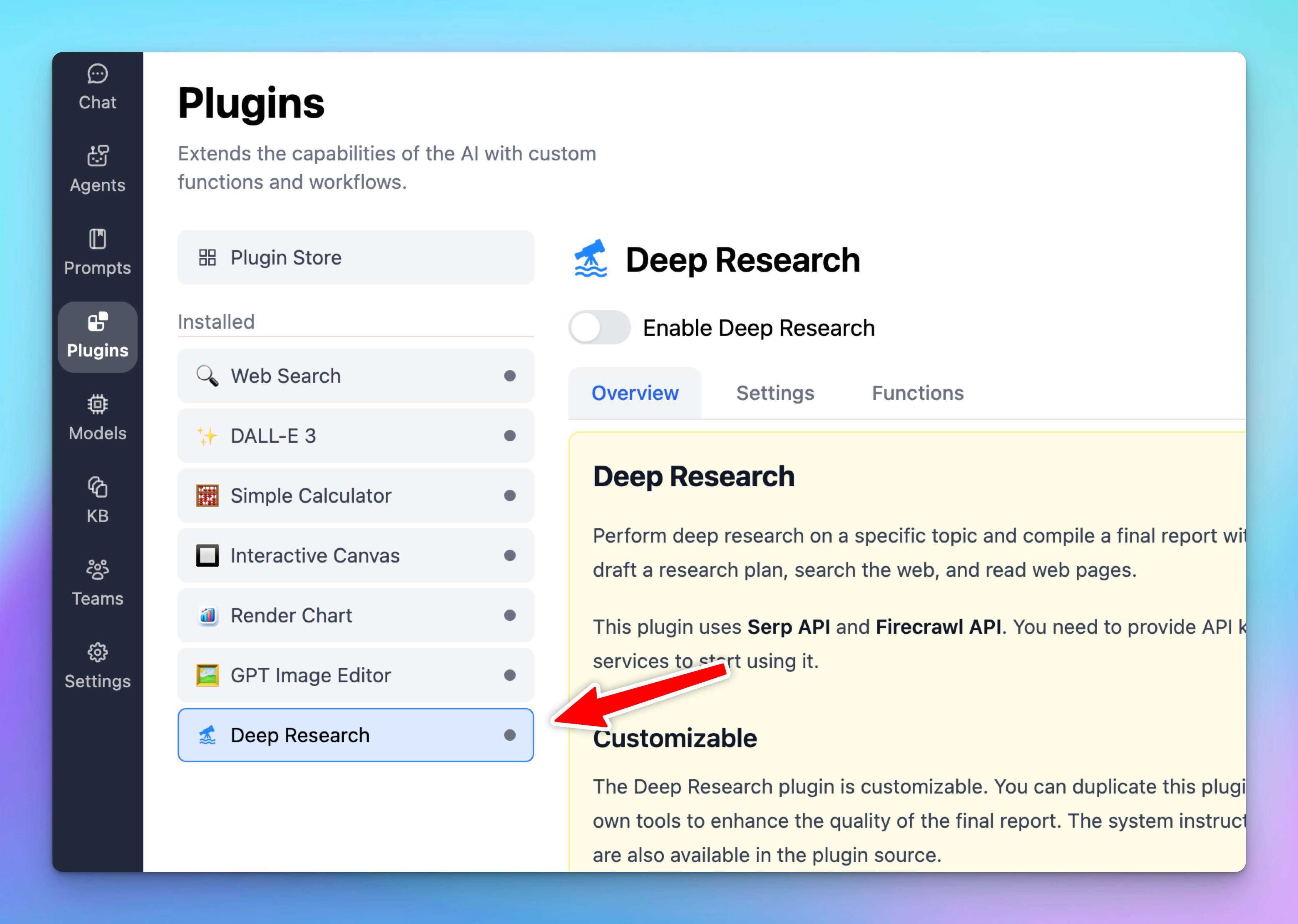
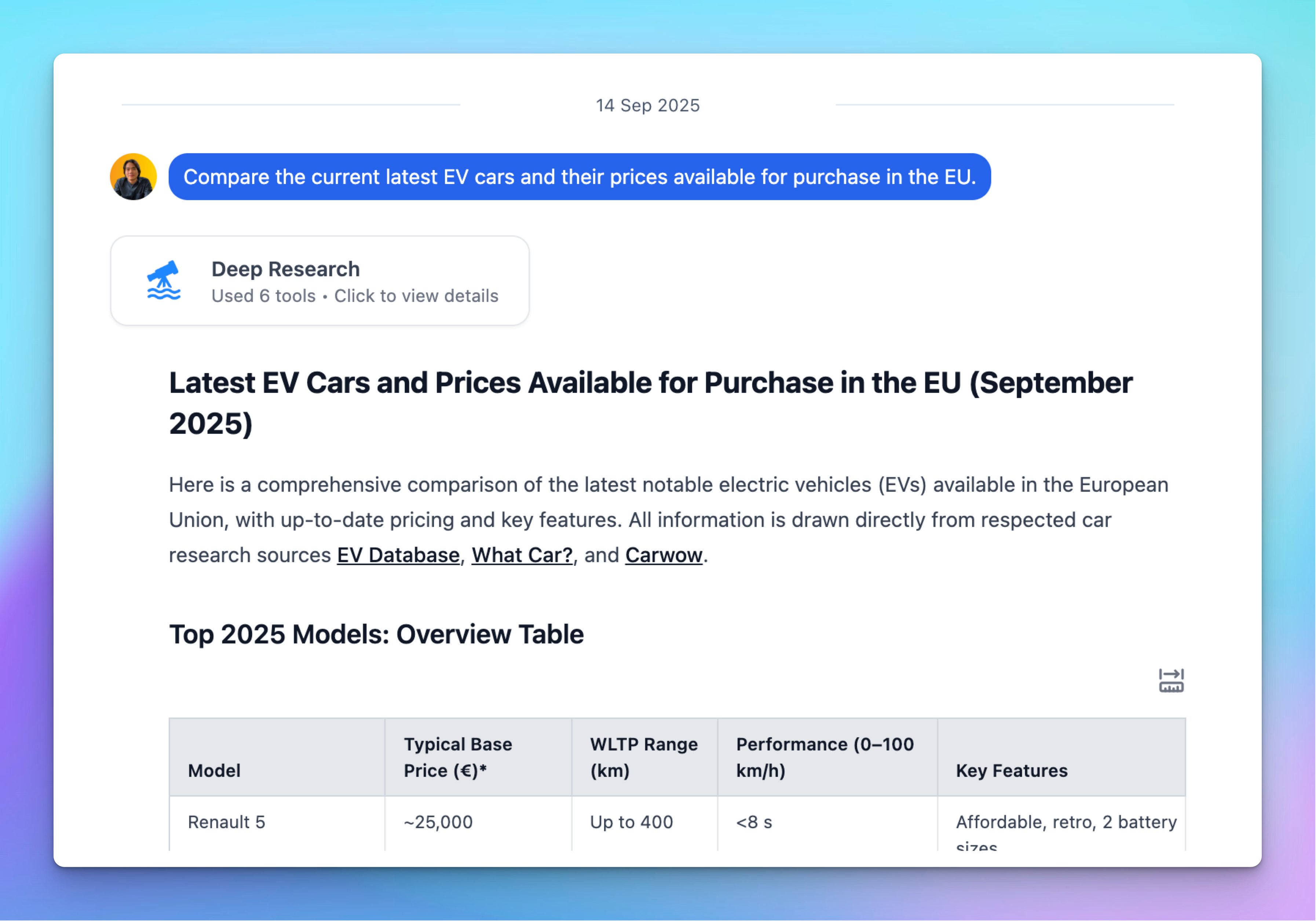
🧩 Deep Research is now available! |
TypingMind now supports Deep Research as a customizable plugin. This plugin uses Serp API and Firecrawl API. You need to provide API keys from both services to start using them. |
- Choose your research mode: Lightweight (fast and cost-saving), Comprehensive (accurate results), Dynamic (balanced)
- Customizable: you can duplicate the plugin, add your own tools, and adjust system instructions or prompts. By default, it includes three tools (Research Plan, Search Web, Read Web Page) and can be extended with your preferred tools.
- Token usage: Deep research tasks can run up to 2 minutes and use multiple tools, so please monitor tokens and also optimize with custom tools (if any).
|
Hope you enjoy these updates! - TypingMind Team |
|
|