Hey everyone 👋 New updates and improvements from TypingMind are coming! Check them out! |
🤖 Use GPT-5 Pro and GPT-5 Codex on TypingMind |
Now you can use the latest OpenAI models on TypingMind: GPT-5 Pro and GPT-5 Codex! |
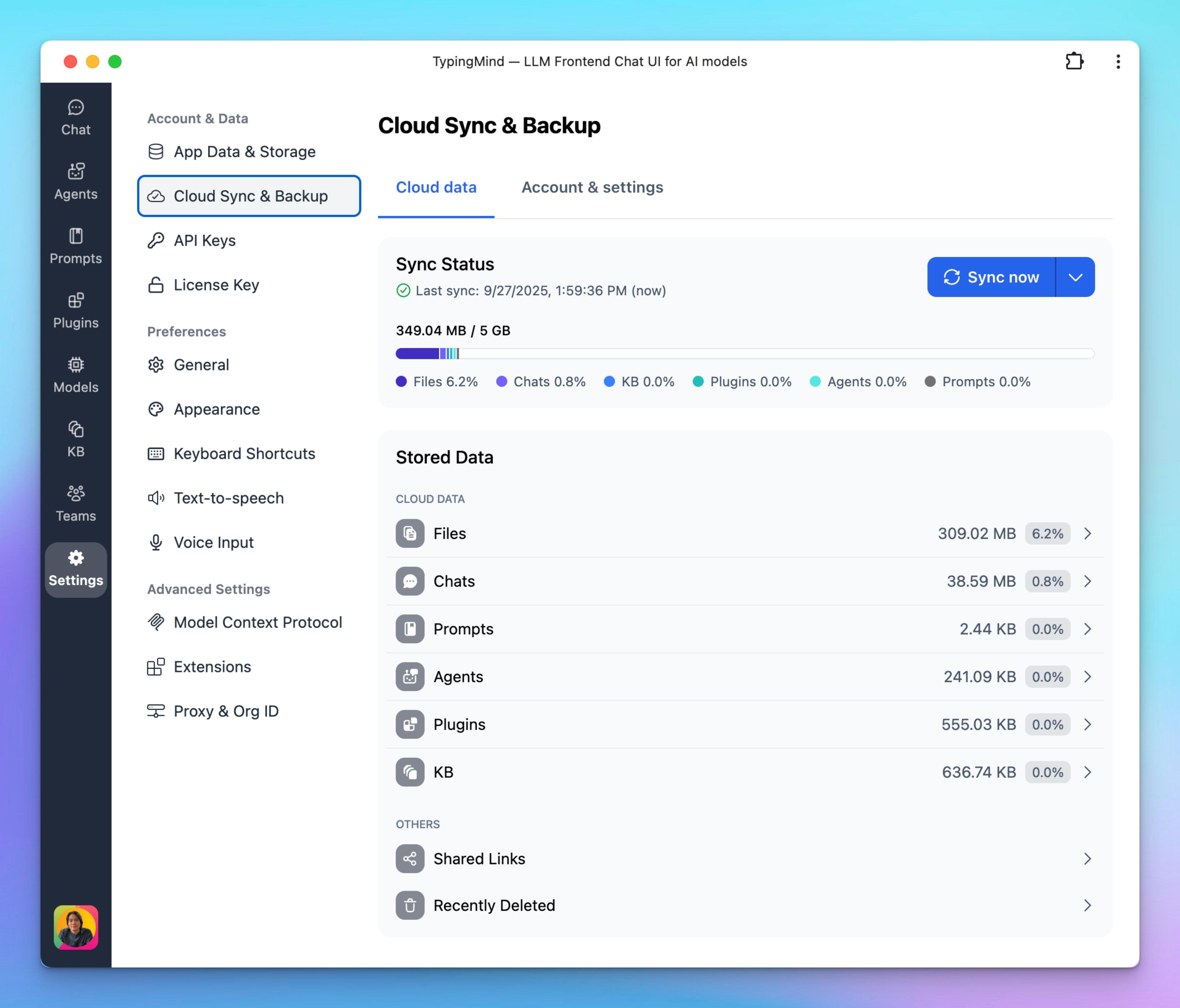
We’ve redesigned the Cloud Sync & Backup interface to make it more transparent and easier to manage your data. |
-
Cloud Data – View detailed storage usage by category (Files, Chats, Prompts, Agents, Plugins, KB, and more).
- Account & Settings – Manage your cloud account, subscription, storage plan, and advanced options all in one place.
|
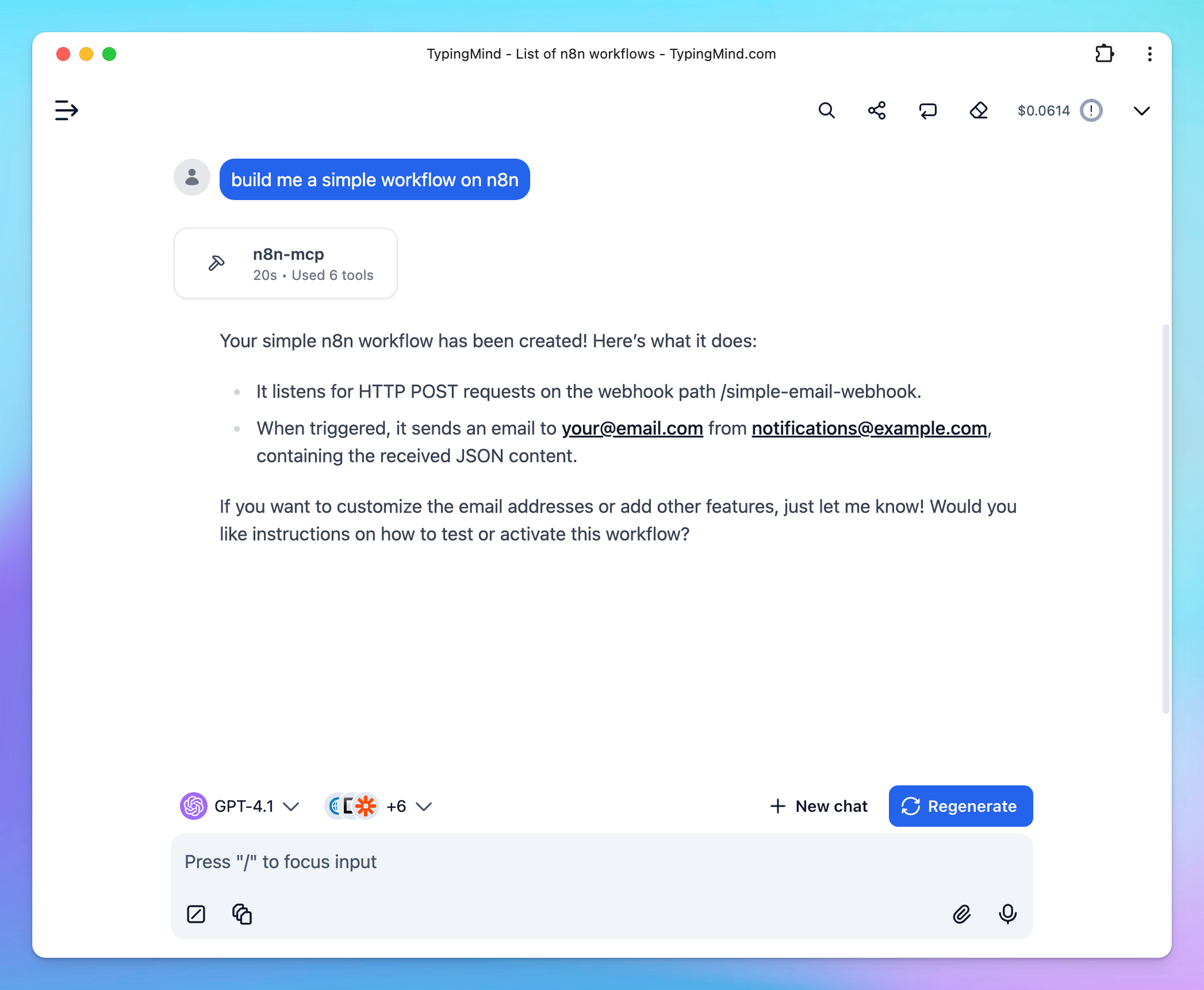
The n8n MCP integration gives AI assistants on TypingMind full access to n8n node documentation, properties, and operations — making it easy to create and manage n8n workflows directly within TypingMind.
Check out How to connect n8n MCP on TypingMind |
Hope you enjoy these updates! - TypingMind Team |
|
|