Hey everyone 👋
New updates and improvements from TypingMind are coming!
Check them out!
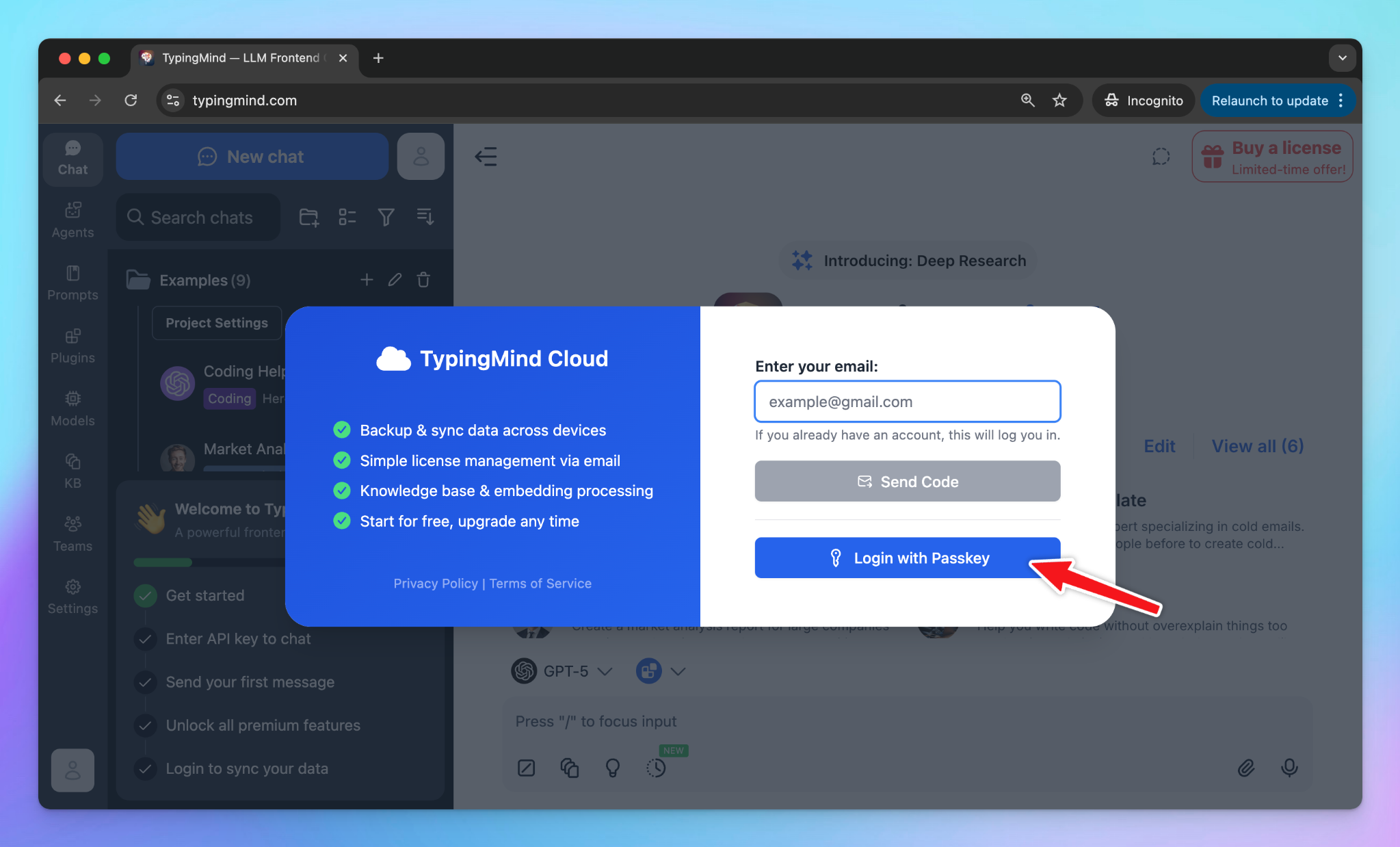
You can now log in to your TypingMind Cloud account using a passkey.
1-click login - no password, no email OTP needed!
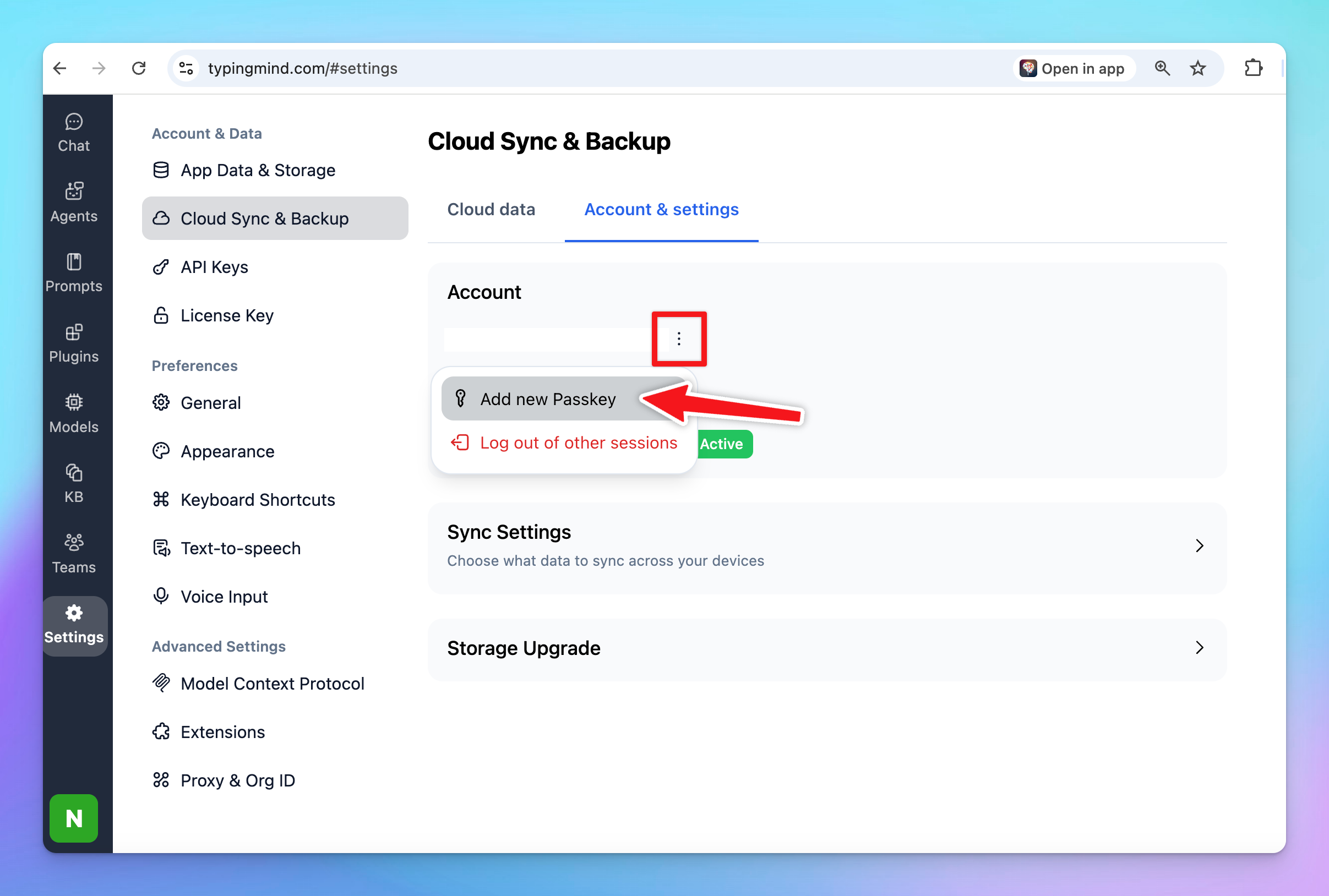
For existing users, you can add new passkey via Settings > Cloud Sync > Account & Settings > Add new passkey.
Connecting the Airbnb MCP server to TypingMind lets your AI assistant directly access Airbnb data in real time.
With this setup, you can search Airbnb listings, retrieve detailed property information and more!
Check out how to connect Airbnb MCP to TypingMind.
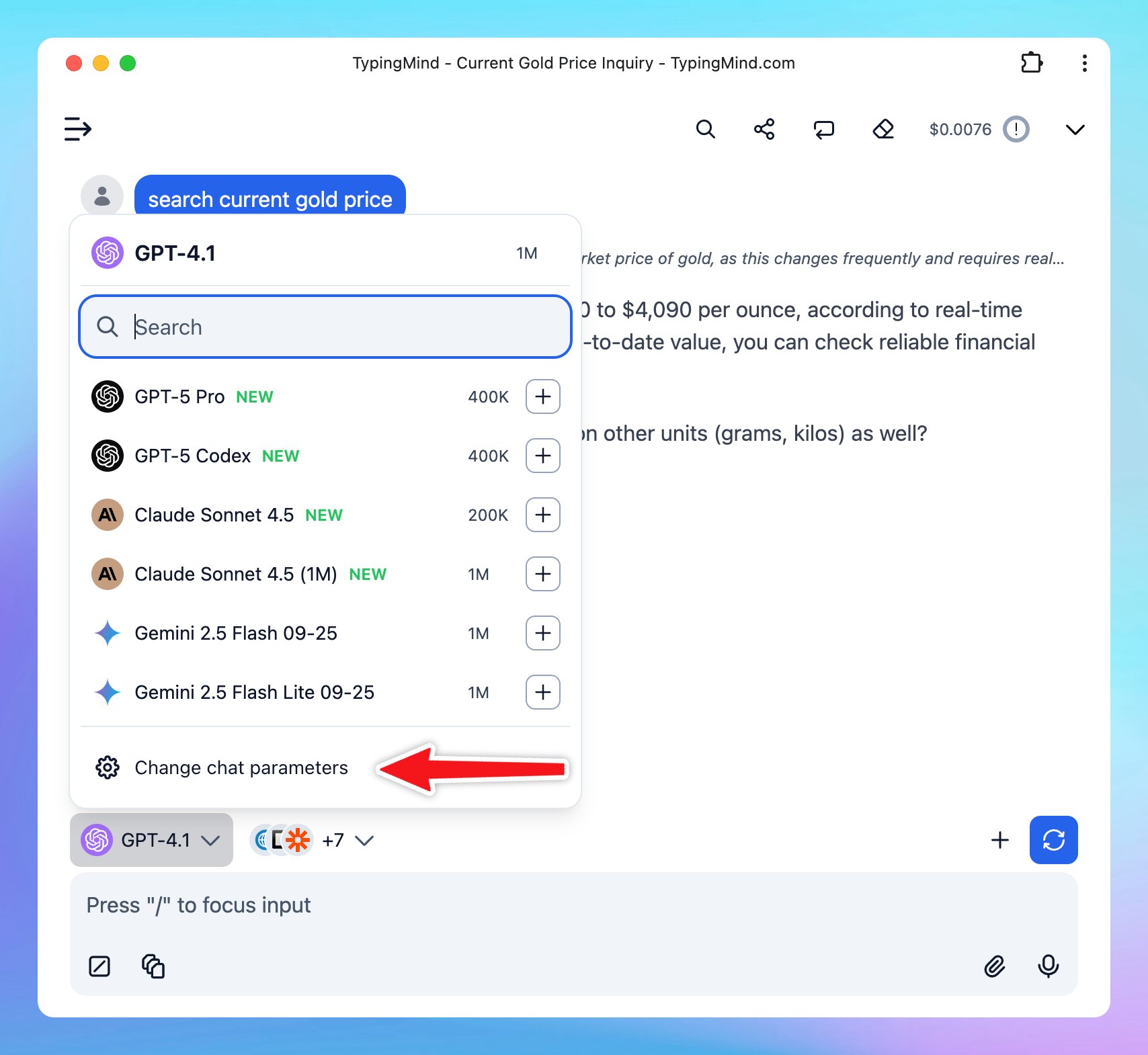
If you make changes to the model parameters during an ongoing conversation on TypingMind, these adjustments will only be saved for that specific chat.
This allows you to experiment with different settings without affecting your default preferences.
🧪 See our product updates and improvements → feedback.typingmind.com/changelog I RSS Feed
🔍 View product guidelines → docs.typingmind.com
📖 Tips to maximize TypingMind's full potential → blog.typingmind.com
💡 Feature requests and Public roadmap → feedback.typingmind.com
🤖 Build an internal AI workspace for your team → custom.typingmind.com
📚 50+ Advanced ChatGPT Prompts ebook → typingmind.com/ebook
Hope you enjoy these updates!
- TypingMind Team