Hey everyone 👋

New updates and improvements from TypingMind are coming!

Check them out!

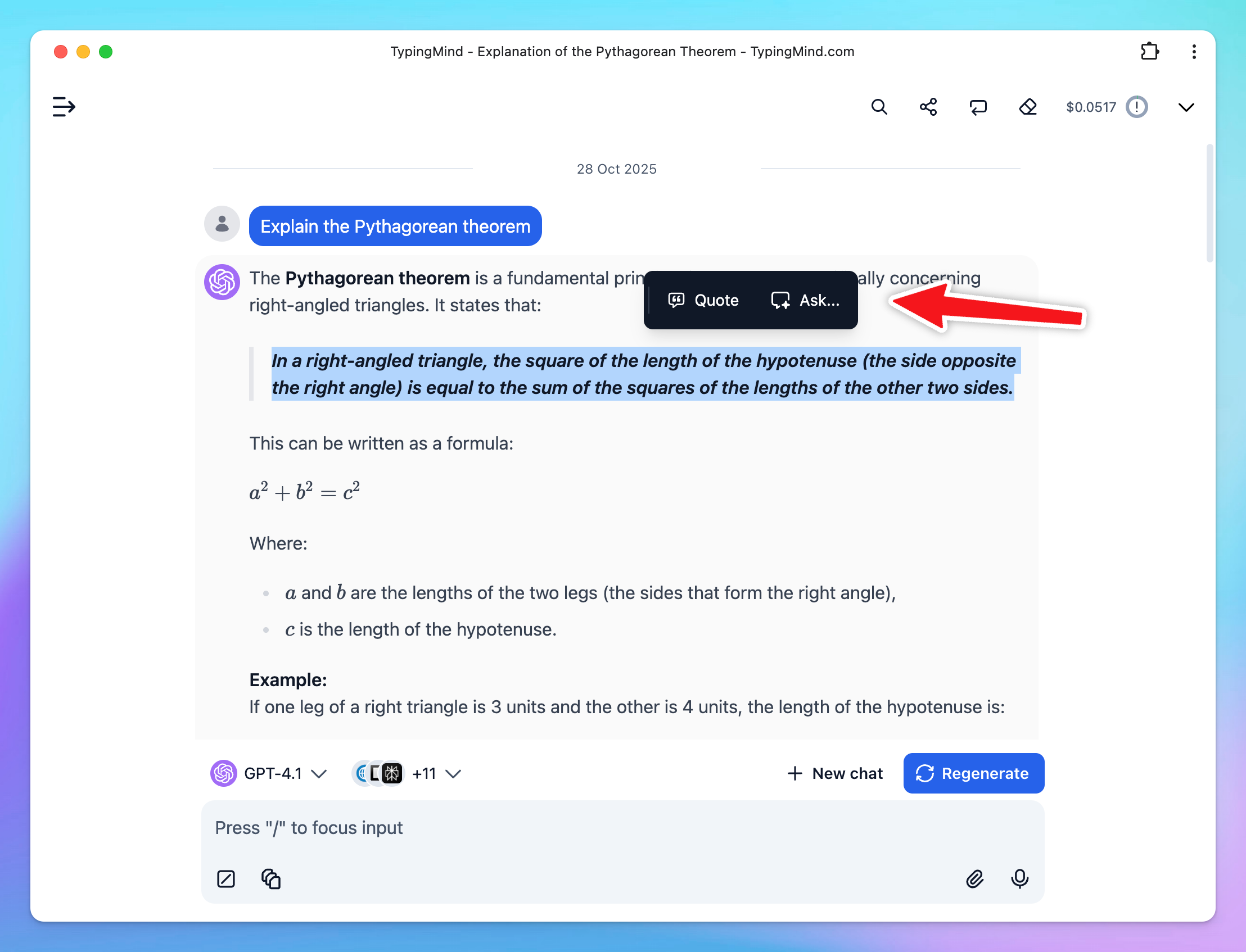
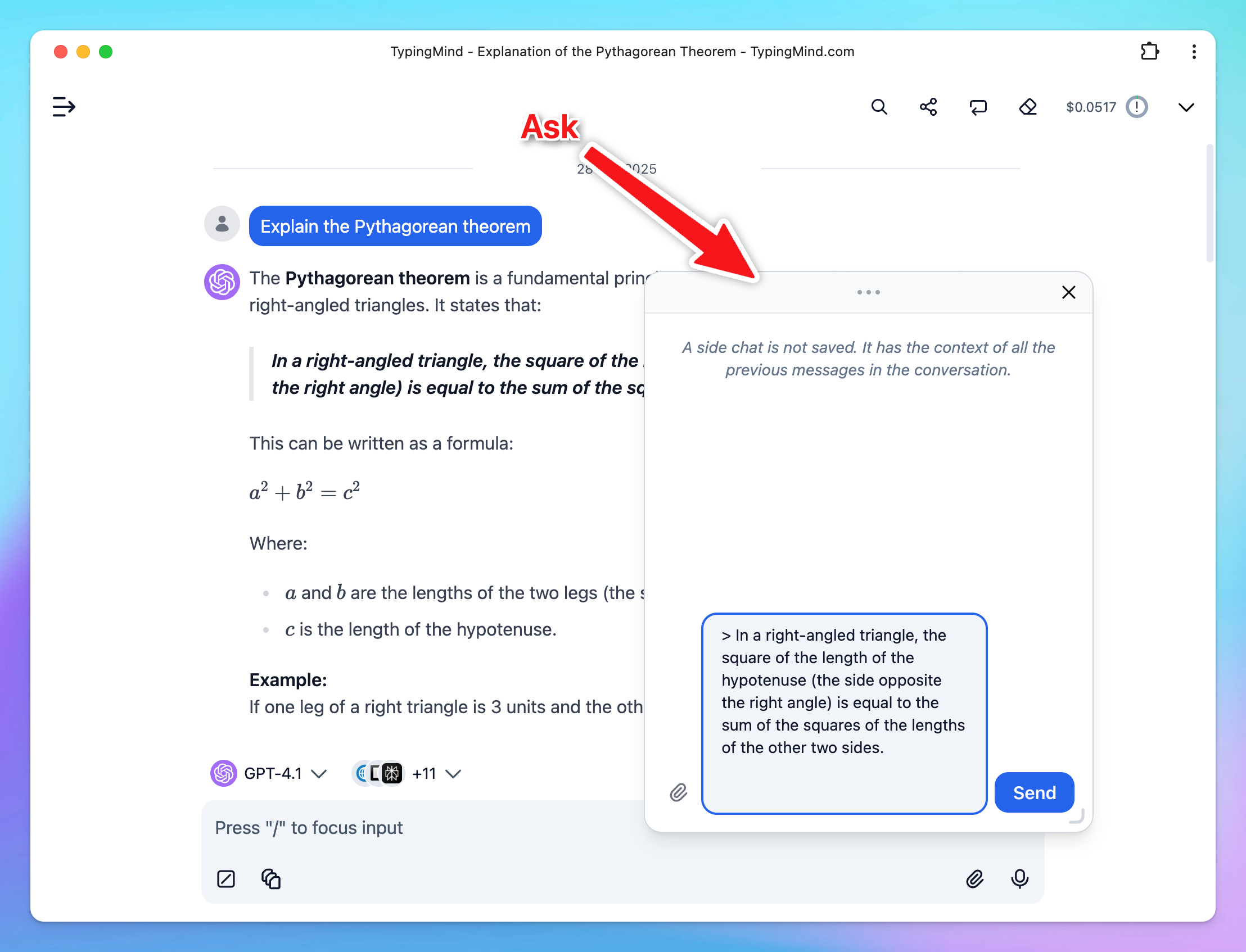
🔥 New "Side chat" feature

This feature lets you open a separate window to ask about a specific part of an AI response - clarifying ideas or exploring follow-up questions - without disrupting your main chat.

re-gen title
re-gen title

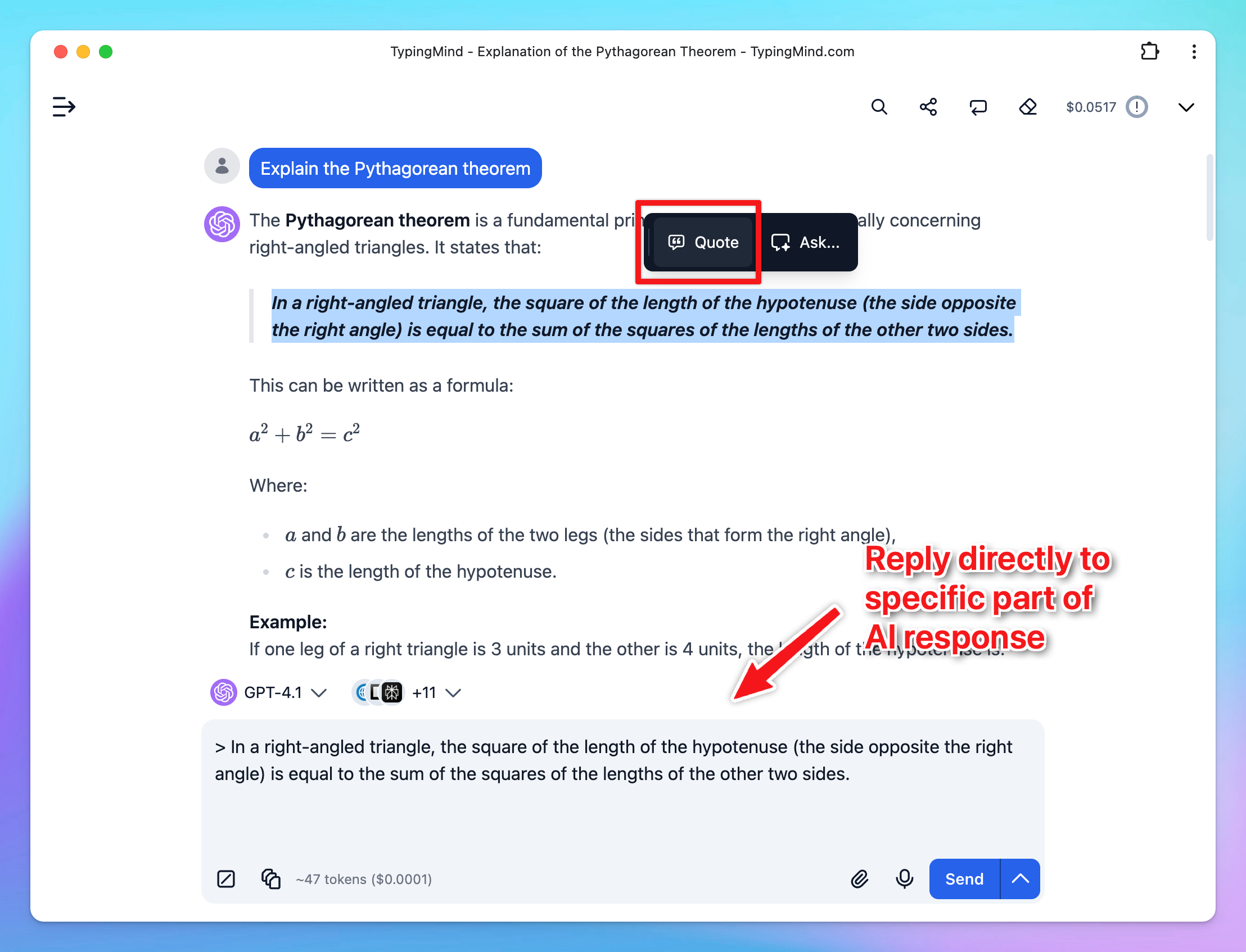
❝ Quote in Reply ❞

You can quote a section to reply directly, correct details, or refine part of the AI’s response.

re-gen title

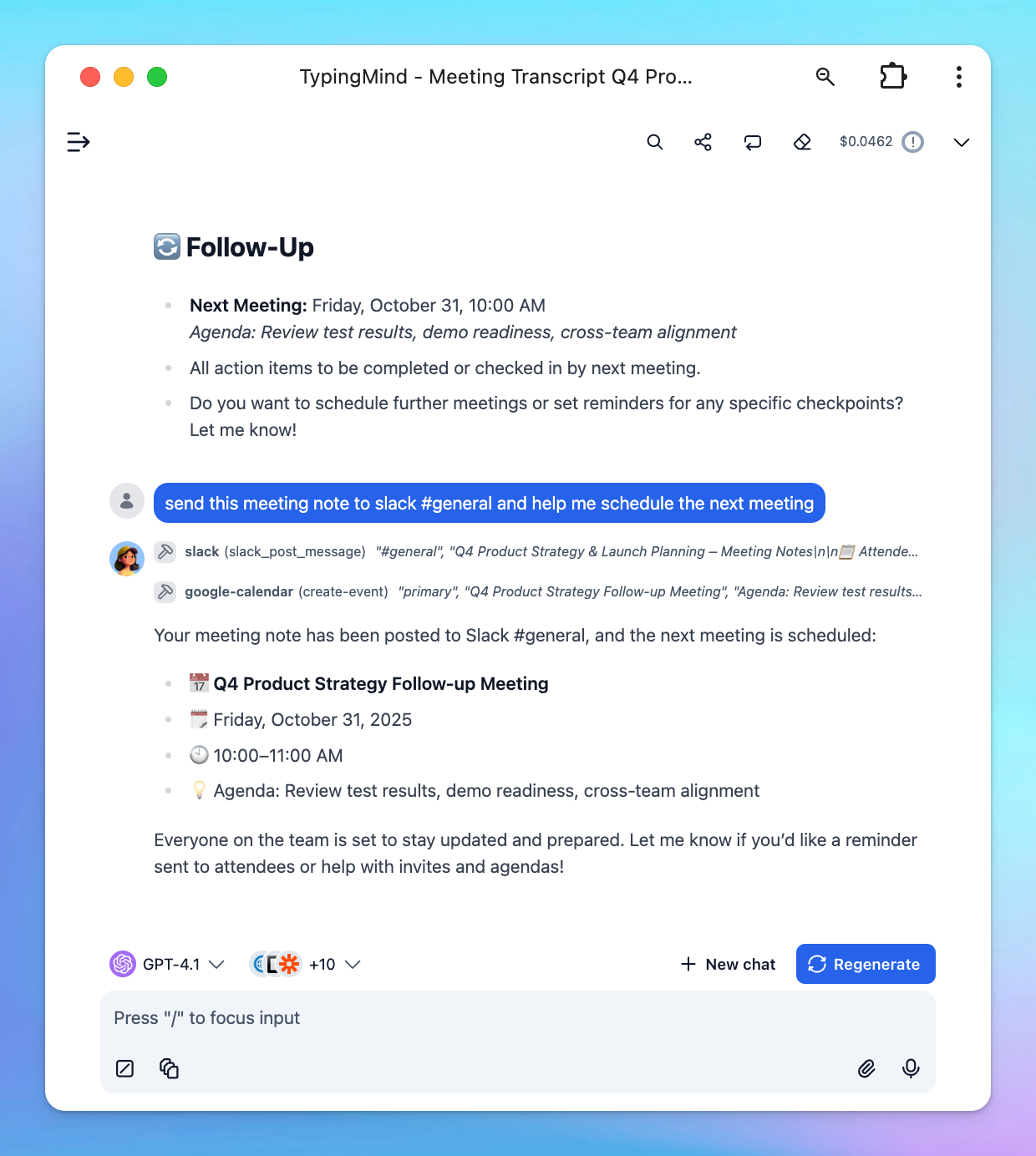
💡 Tip: Summarize and send meeting notes to Slack automatically

Meetings matter, but handling the details afterward can be tedious. 

With TypingMind, you can automate your post-meeting workflow:

- Summarize meetings
- Send notes to Slack
- Schedule next meetings via Google Calendar

Learn how to set up this workflow in TypingMind

re-gen title

Full changelog and tips

🧪 See our product updates and improvements → feedback.typingmind.com/changelog I RSS Feed

🔍 View product guidelines → docs.typingmind.com

📖 Tips to maximize TypingMind's full potential → blog.typingmind.com

💡 Feature requests and Public roadmap → feedback.typingmind.com

🤖 Build an internal AI workspace for your team → custom.typingmind.com

📚 50+ Advanced ChatGPT Prompts ebook →  typingmind.com/ebook

That's all for now!

Hope you enjoy these updates!

- TypingMind Team

unsubscribe