

.png)
While we’re on our Think Week offsite this week, we’re resurfacing Cora general manager Kieran Klaassen’s work on the theme of compound engineering. In this piece, Kieran argues that the best thing you can do to improve your AI-assisted coding is to plan. He introduces a framework for deciding when to plan versus when to prototype, and gives a real example of how one hour of planning saved days of debugging when he wanted to turn some design plans in Figma into a product. So take that extra hour and plan. You’ll thank yourself.—Kate Lee
Was this newsletter forwarded to you? Sign up to get it in your inbox.
AI made us sloppy because it made us forget how to plan.
Planning used to be a non-negotiable part of the work: sketching screens, prototyping flows, and writing problem statements. You had to define the scope—what’s in, what’s out, what’s too ambitious, and what solves the problem. Good planning required good thinking, good writing, and collaboration between stakeholders. It was slow, but it prevented expensive mistakes.
When vibe coding emerged, planning went out the window—at first. Why spend an hour planning when you could spend five minutes building the feature? I did it, too. “Make this feature work” was my entire instruction. Sometimes it worked. Often it didn’t. When it didn’t, I’d spend three hours debugging an error that a 10-minute session—asking AI to create a clear outline of the problem and the research needed to build a solution—would have prevented. And I’d be starting from zero with each feature I shipped, instead of the AI improving with each request.
When you vibe code, you prompt, “Add email validation to the signup form,” and hope the AI takes the right route. When you plan with AI, you write: “Research how we handle validation elsewhere in the codebase, check if our email library has built-in validation, look up best practices for user-friendly error messages, then create a plan showing three approaches with tradeoffs.”
One approach ships a feature. The other ships a feature and teaches the system how you think for next time. Get this right, and the system learns from every plan. Let me show you how.

Write at the speed of thought
That gap between your brain and your fingers kills momentum. Monologue lets you speak naturally and get perfect text 3x faster, and your tone, vocabulary, and style is kept intact. It auto-learns proper nouns, handles multilingual code-switching mid-sentence, and edits for accuracy. Free 1,000 words to start.
Plans teach the system—code just solves problems
I had five screens of Figma designs staring at me, and a weekend to turn these pixels into a product.
We were preparing for the launch of Cora‘s email bankruptcy feature—a free service that clears users’ inbox for them without deleting anything important. Lucas Crespo and Daniel Rodrigues, Every’s designers, had turned my ugly-but-functional flow into those beautiful Figma designs: something people would want to use, with clean layouts, thoughtful interactions, and the kind of polish that sets software that delights apart from software that works. Now I had to build it.
As recently as early 2025, that would have meant: Hook up the Figma MCP plugin (a tool that connects design files to code), watch it produce something vaguely related to the design but mostly ugly, then spend the weekend manually fixing it—squinting at measurements, guessing at spacing, writing HTML, refreshing the browser, noticing it’s wrong, adjusting, repeating. Days of work and frustration.
This time, instead of coding all weekend, I spent one hour that saved me days.
I created an AI agent with one job: Take a Figma design screenshot, analyze how to implement it, and output a detailed plan grounded in our patterns, components, and way of building.
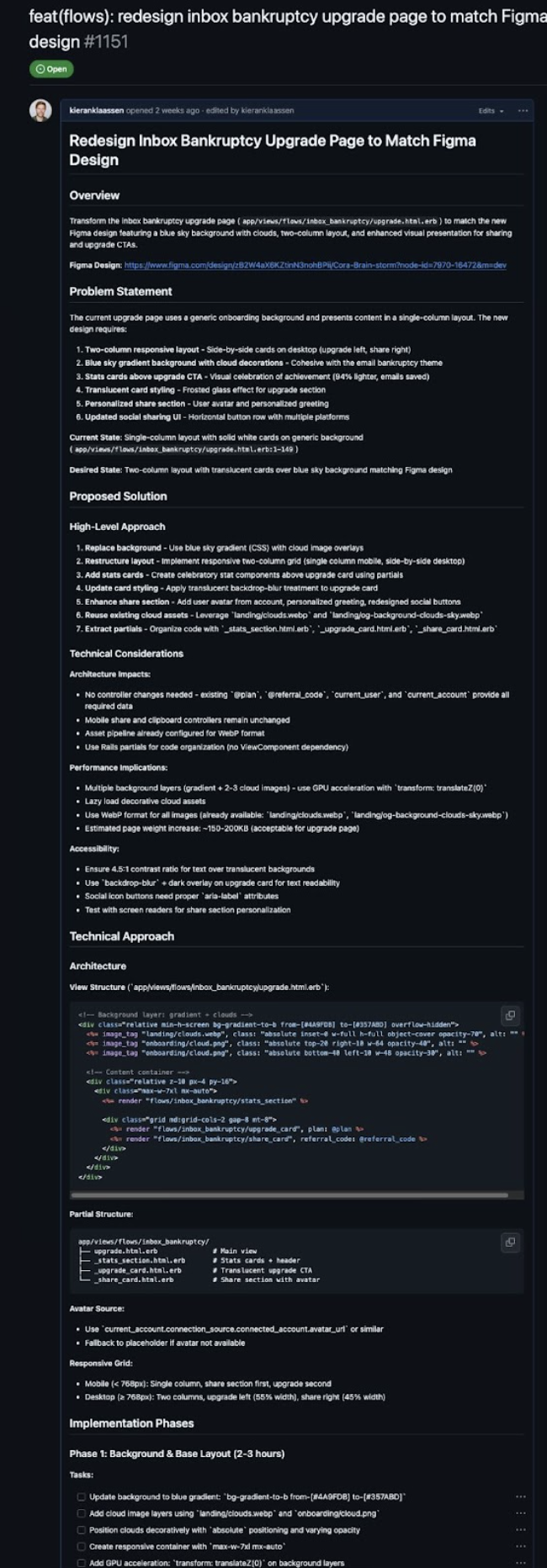
Once the plan was complete, I added a second agent to review the work: Compare the Figma screenshot to what got built using Puppeteer (a tool that automatically captures screenshots of web interfaces), note every difference, and keep iterating until they match. Because the plan was clear and detailed, the review agent could focus entirely on execution, instead of trying to figure out what we were even building.
I got five screens, pixel-perfect, including mobile layouts that were never even designed for. The plan guided the work step, and pixel perfection came out the other side.
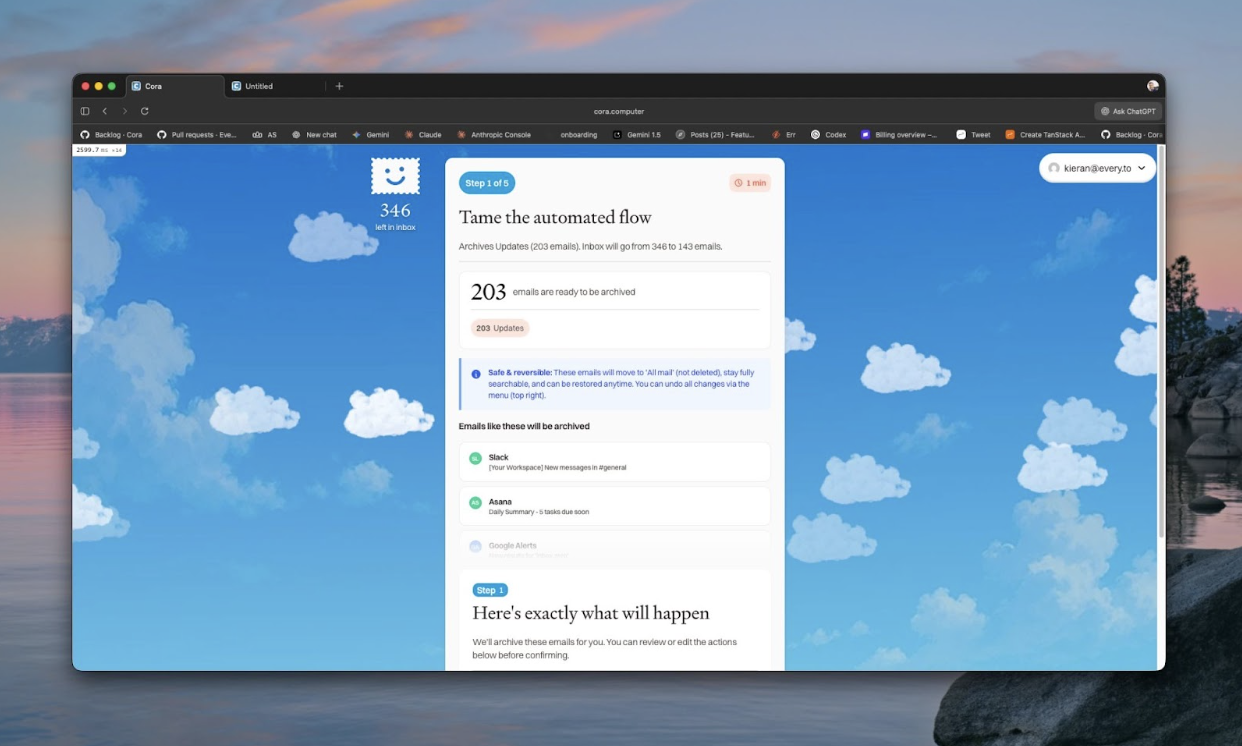
The next time we need to implement a complex interface, I won’t start from scratch. I’ll use the same system and the same planning workflow, and it will be faster because the system learned from this round.
This is compounding engineering: building systems where every unit of work makes the next one easier because you’re teaching the AI what to do. And the fastest way to teach is not through code you write, but through plans you review.
How to plan effectively: Remember the three fidelities
The first step to planning effectively...
Become a paid subscriber to Every to unlock this piece and learn about:
- Why Kieran sorts engineering work into three buckets—and spends no planning time on two of them
- The week he built three prototypes to prove the simple solution wouldn’t work
- How one HTML correction taught his system more than 50 features worth of code

What is included in a subscription?
Daily insights from AI pioneers + early access to powerful AI tools
 Front-row access to the future of AI
 In-depth reviews of new models on release day
Playbooks and guides for putting AI to work
Prompts and use cases for builders
In-depth reviews of new models on release day
Playbooks and guides for putting AI to work
Prompts and use cases for builders
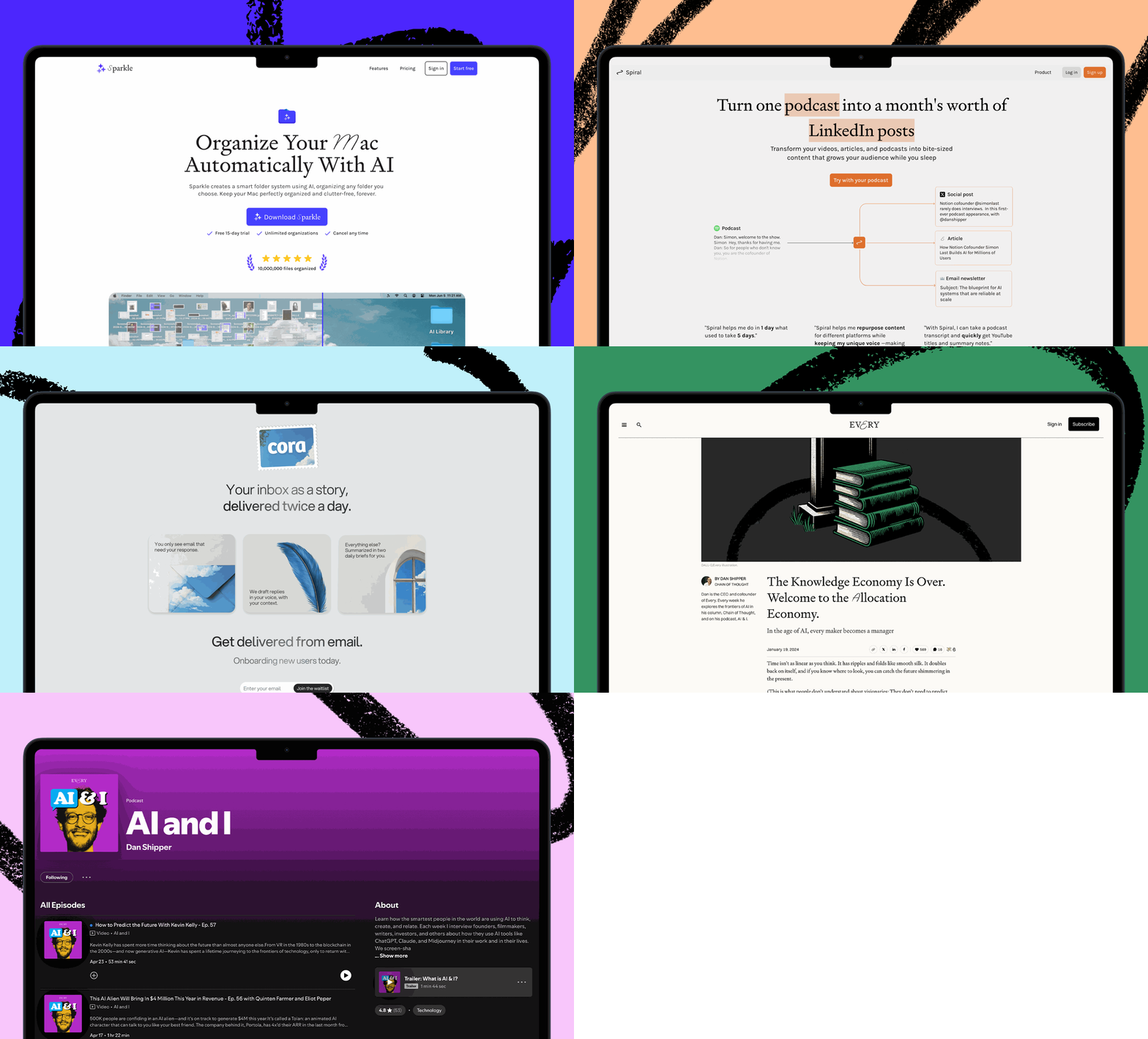
 Bundle of AI software
 Sparkle: Organize your Mac with AI
 Cora: The most human way to do email
 Spiral: Repurpose your content endlessly
 Monologue: Effortless voice dictation for your Mac