
TL;DR: Today we’re launching Monologue Notes, which turns your calls, meetings, and voice memos into transcripts your agents can use.


The best thinking rarely happens at a desk. It happens in meetings, on calls, or on walks—and then disappears. Monologue Notes, out today, records and transcribes all of it—the calls, meetings, and voice memos—and makes it available to the same agents and tools you use every day. It makes the thinking that happens in conversations and on walks just as actionable as the work you do at your desk.
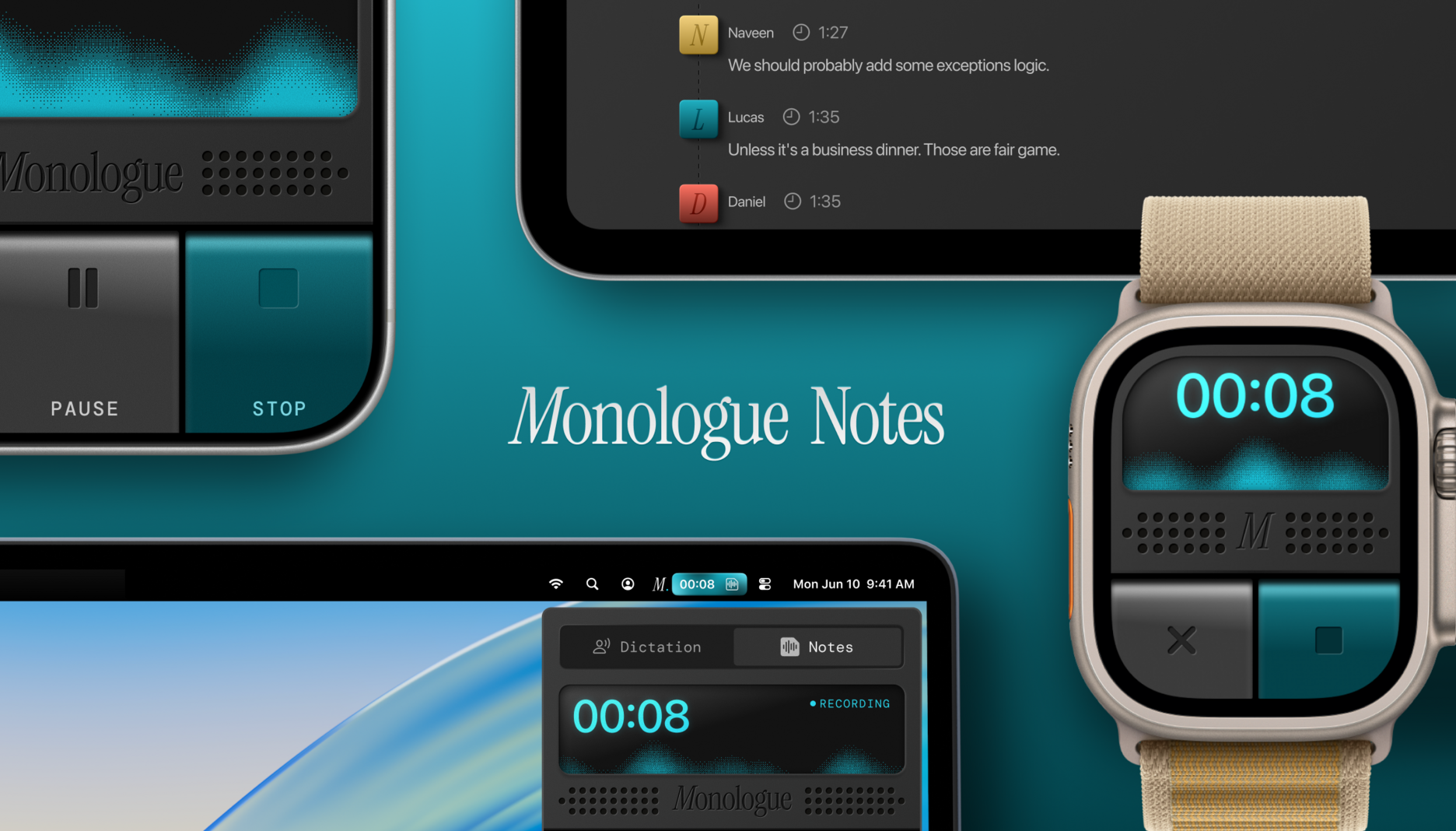
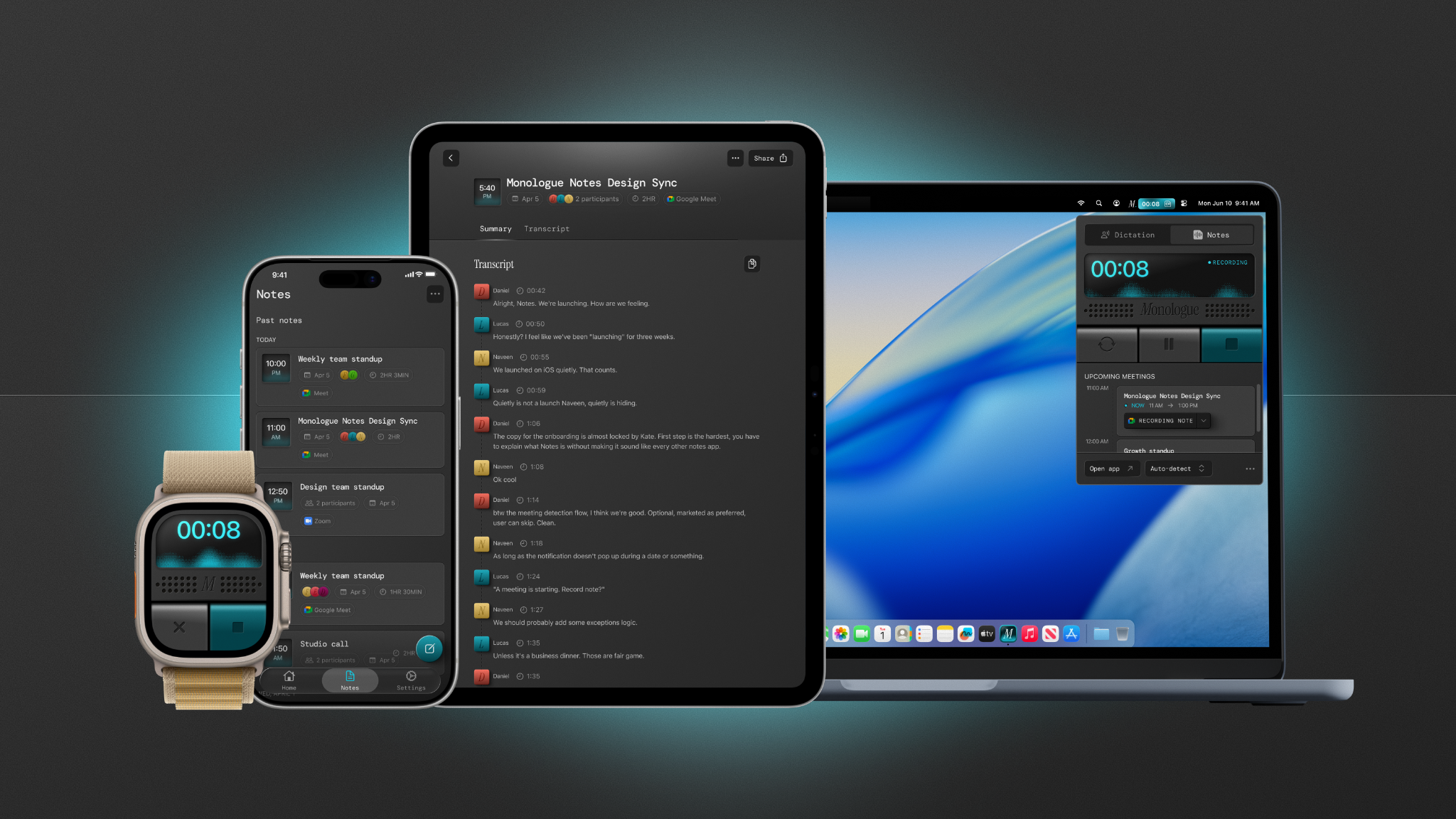
Notes is available through the Monologue app on Mac, iOS, and WatchOS and syncs across all your Apple devices. You can start a recording on your Apple Watch before you leave the house, keep your phone in your pocket the entire time you’re outside, and pull the note into Codex once you’re back at your computer.
How Notes transforms passive work into active work
Notes was born out of a frustrating gap in my own workflow. Six months ago I shipped Monologue, a smart voice-to-text app that has processed more than 5 million dictations and converted more than 250 million spoken words into text.
Monologue excels at tasks where the text has a clear destination—you can get a lot more done when your dictation app understands your vocabulary and workflow. I speak, Monologue transcribes, and I send the words along to where they belong: Codex for code, Slack for messages, Notion for article drafts. The work is active.
Monologue Notes captures work that is passive—the ideas and decisions that accumulate when you’re out in the world or talking to other people.
I start every morning with a half-hour walk around my neighborhood. I make product decisions, troubleshoot bugs in my head, and work through problems that stumped me the day before. My best thinking often happens before I sit down at my desk, but before Notes, there wasn’t an obvious central place for it to live, so it got scattered across Apple Notes, Obsidian, and Slack.
The same thing happens on customer calls and in internal meetings. Problems get discussed, solutions emerge, progress is made—but the thinking is rarely stored in a way that can be mined for insights later.
Notes is not a traditional notes product. You can access your recorded transcripts and summaries through the app, but you can’t edit files, and there’s no folder organization system. Notes is more of a transit point, an audio capture layer that runs in the background, gathers context, and makes it available to your favorite coding agent.
Once a recording is finished, you go to the place where work actually happens—your terminal, Codex, a Linear board—and have your agent find what’s useful in the transcript so it can start building.
How I’m using Monologue Notes
On morning walks. I don’t listen to music or podcasts. When I leave the house, I hit record and start thinking out loud.
There’s no agenda. Sometimes I fixate on a feature question or a tough conversation I had with a colleague. Other times, my mind wanders, cycling through topics in rapid succession.
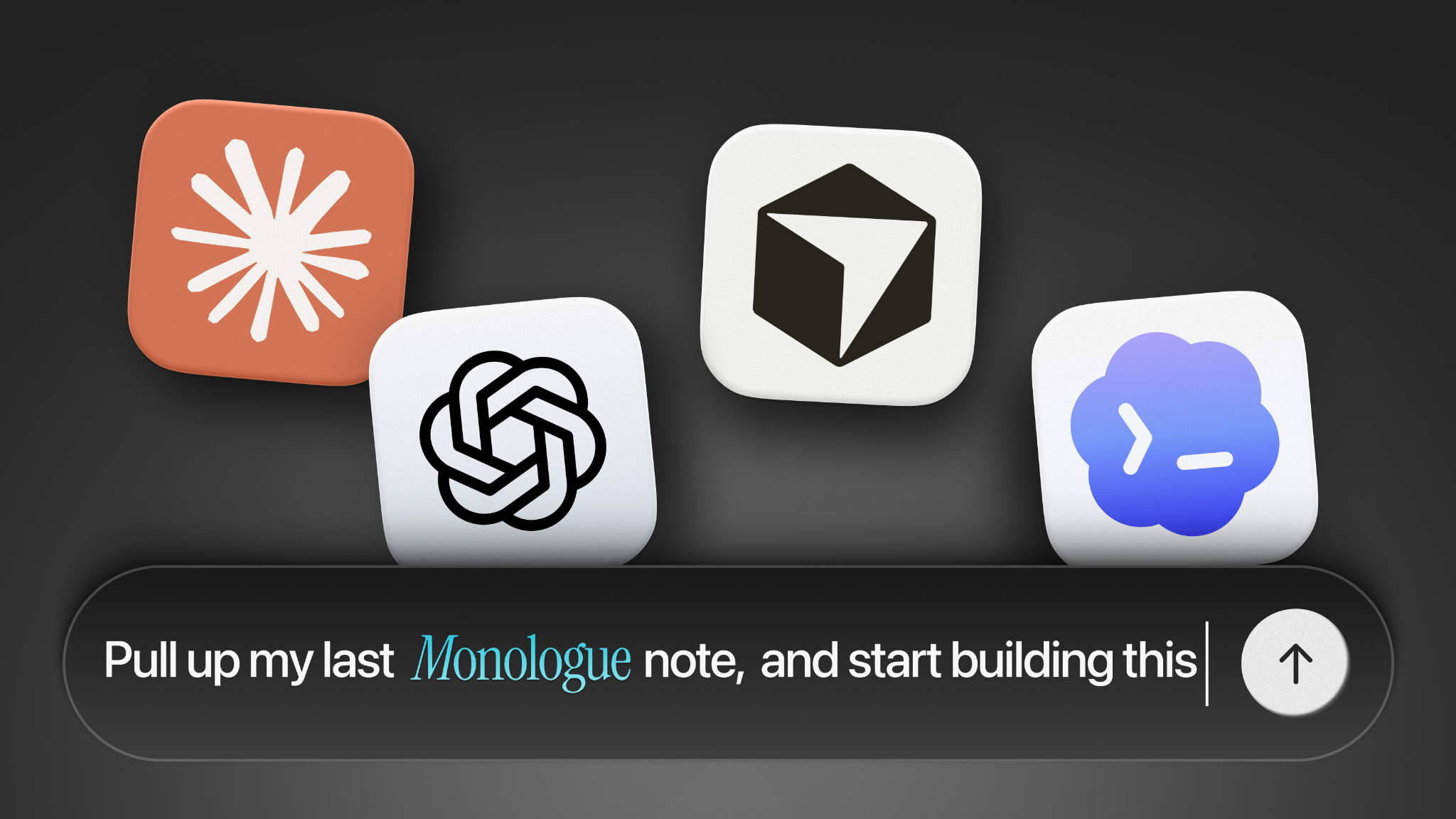
Back at my desk, I open Codex and run the same prompt: “Pull up my last Monologue note, and start building this.”
Just like that, my rambling thoughts become action items.
On customer calls. A few days ago I recorded a 19-minute call with a user experiencing a lag in Monologue’s browser integration on Mac. When we hung up, I opened Codex, and told the agent to pull the transcript and find the root cause. It read the user’s description of the issue, identified the bug, searched the codebase, and fixed it. I didn’t need to write a long prompt or a single line of code. Codex went straight from the call transcript to the patch.
To crystallize ideas across recordings. Over the past two weeks, I’ve been working through the distinction between active versus passive work, which is the driving idea behind the Monologue Notes launch. I captured fragments of my thinking while driving, in internal calls with my team, and during conversations with early users.
Before Notes, writing an article pitch would have required a brain dump. With Notes, I prompted Codex to “pull all my Monologue Notes where I talk about active work and passive work, and put together a brief.” It searched across about a dozen recordings, identified the through-lines, and returned a compelling thesis—an argument I’d been circling for weeks, assembled from things I’d already said.
That argument is the basis for this article.
The loop
With Monologue Notes, you record an idea → pull that idea into the place where work happens → turn the idea into action.
This workflow has cured me of storage anxiety, or the gnawing feeling my best ideas would get lost because I didn’t know where to put them. Now when I hit record, I know that Claude Code or Codex will find whatever I need when I ask for it.
It’s also made me a more disciplined problem solver. When you know everything is safely stored and quickly retrieved, you stop worrying about where your thoughts are going and focus on the quality of the thinking itself.
Two skills you can try today
Skill 1: The morning brief
Record a five to 10-minute voice note on your commute to work. Don’t map out what you’ll say—just think out loud about what’s on your mind or what you’d like to get done.
When you’re back at your computer, open your agent of choice (Codex, Claude, ChatGPT) and connect Monologue Notes via MCP. Then paste in this prompt:
Pull my latest Monologue note and turn it into a prioritized list of tasks for today. If an item requires code, open a session. If it involves writing, start a draft.
Your scattered morning thoughts transform into a structured work session in fewer than two minutes.
Skill 2: Customer call → fix
Record your next customer support call or user interview with Monologue Notes running in the background. After the call, open your agent and enter this prompt:
Pull my most recent Monologue note from today. The user described a bug. Find the root cause in the codebase and write the fix.
If it’s a product conversation instead of a bug report, swap the second sentence to the following:
Summarize the user’s main pain points, draft a follow-up email, and create a Linear task for the top actionable item.
The transcript becomes the input. Your agent does the rest.
Monologue Notes is available for all subscribers.
Thanks to Laura Entis for editorial support.
Naveen Naidu is the general manager of Monologue. You can follow him on X at @naveennaidu_m and on LinkedIn.
To read more essays like this, subscribe to Every, and follow us on X at @every and on LinkedIn.
For sponsorship opportunities, reach out to sponsorships@every.to.