


Today, we update our Opus 4.8 Vibe Check with a Pulse Check featuring perspectives from more team members, Dan Shipper sits down with Figma’s Matt Colyer to unpack why AI hasn’t killed professional design services, and Every senior designer Daniel Rodrigues shares the two-tool AI workflow he uses to get precise, visually stunning results.
Was this newsletter forwarded to you? Sign up to get it in your inbox.
‘AI & I’: The limits of chat-based design
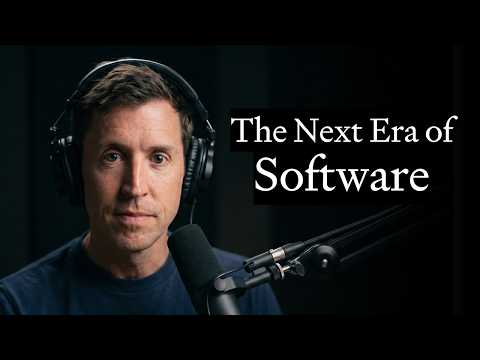
In a new episode of our podcast, AI & I, Dan talks with Matt Colyer, Figma’s director of product management for developers, about the limits of chat-based AI agents for design and why the rise of vibe-coded everything is, despite what you might have heard, a boon for the company.
Watch on X or YouTube, or listen on Spotify or Apple Podcasts. (You can also read the transcript.)
Here are the highlights:
- The “SaaSpocalypse” narrative has it backwards. AI agents turn anyone into a vibe coder, kicking off investor panic that traditional software-as-a-service (SaaS) companies like Figma would cease to justify their cost. Colyer isn’t worried: AI has exponentially expanded the developer base, while underscoring how difficult it is to create a vibe coded version of Figma that works as well or as reliably as the real thing. He’s vibe coded multiple agents to do stuff like handle his emails, but the maintenance costs piled up quickly and never seemed worth it. “I’m buying more software these days than I ever did before,’” he says. “‘I’m just going to pay somebody else to run my agent for me.’”
- Figma is embracing agents. The company has launched an MCP server—a standardized interface any AI tool can plug into—that allows you to approach design work from two directions. “Code to design” takes a live web page and reconstructs it on the Figma canvas, so you can manipulate the elements directly; meanwhile, “design to code” flips the process by packaging a Figma design and giving it to an agent, which makes changes for you via pull request.
- There’s a ceiling to chat-based generative design. Great design hinges on a diamond-shaped process: First you diverge, or generate lots of ideas, and only then do you converge around the most promising options. Text-based chats are inherently linear and therefore bad at divergence; the setup forces you to select an option and iterate on it. Agents are already good at the task-completion workflows Figma supports today, but the divergent, exploratory part of design remains unsolved across the industry. Colyer is interested in dividing the process so specialized agents handle the divergence by pushing you to expand your thinking, while another set filters through the options to identify a single path forward. “Even the best agents, the command-line agents, don’t have the ability to do those workflows,” he says. “That’s where I see the future of design and product thinking.”
- Agents can produce so much so quickly. They’re less good at determining whether any of it meets a company’s values or design standards. Colyer isn’t sure the best way to close this gap—maybe it’s a video walkthrough, a screenshot, or a trusted review agent—but for good design to scale, AI needs to play a larger role in evaluations.
Miss an episode? Catch up on Dan’s recent conversations with LinkedIn cofounder Reid Hoffman; the team that built Claude Code, Cat Wu and Boris Cherny; Vercel cofounder Guillermo Rauch; podcaster Dwarkesh Patel; and others, and learn how they use AI to think, create, and relate.
PRDs don’t work in the AI era
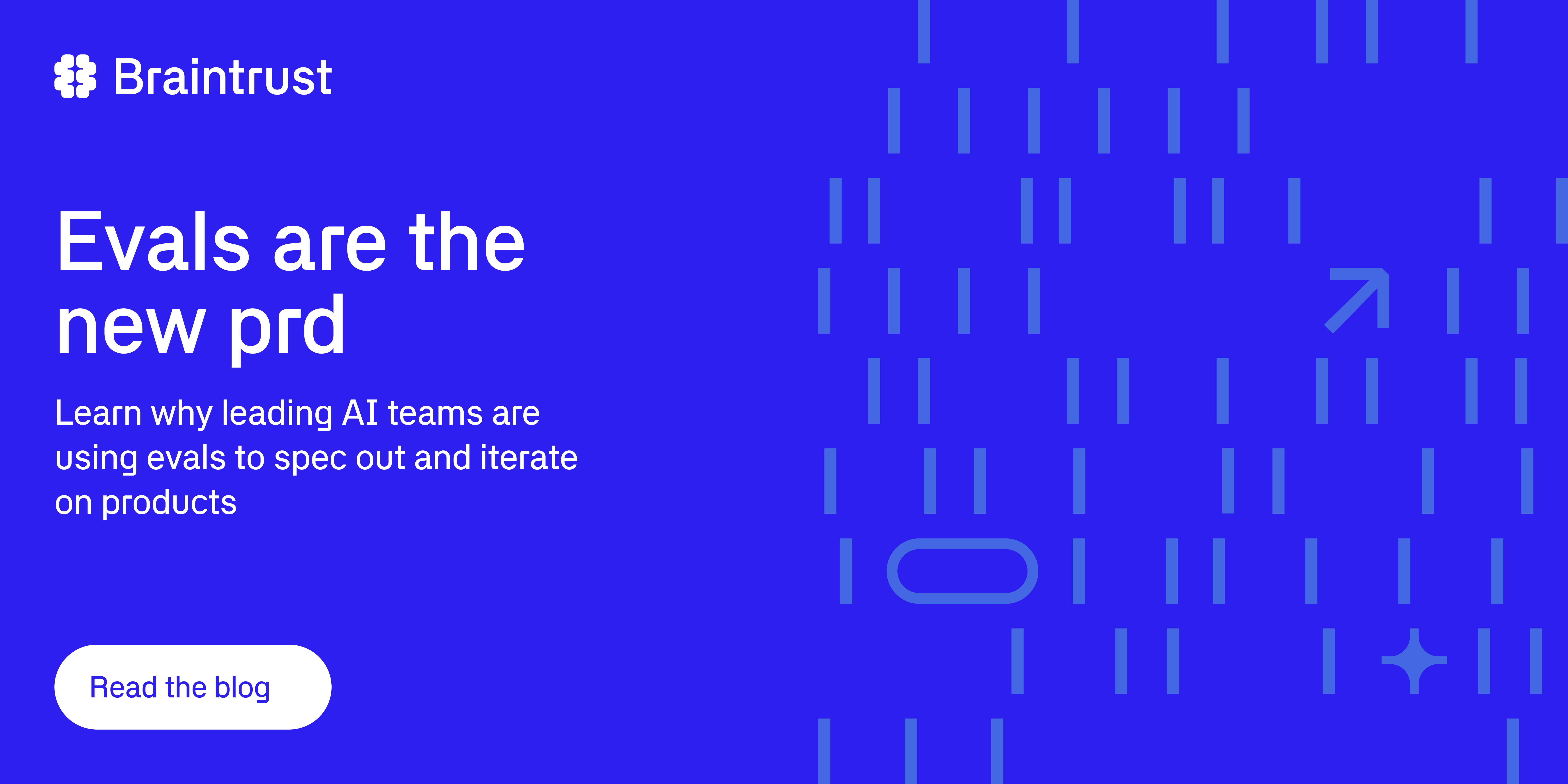
You’re probably used to old product specs. You write acceptance criteria, engineers build according to it, and QA verifies that it shipped correctly. But AI doesn’t do that—it gives different results every time. Braintrust just published “Evals Are the New PRD”—the argument is that, for AI products, evals replace the spec, the acceptance criteria, and the roadmap all at once. While a PRD gathers dust in a Google Doc, an eval suite runs on every commit. The piece walks through a four-stage flywheel: Observe, analyze, evaluate, improve. It’s based on how teams at Stripe, Zapier, and Vercel actually ship quality AI. Read it now.
Pulse Check: Opus 4.8 is the best tool for the right job
Five days ago, we called Anthropic’s Claude Opus 4.8 the best Claude model yet for writing and serious engineering, and said we’d switch to it from GPT-5.5 if the Claude app ever caught up to Codex. After a work week of more testing, we’re still an Opus 4.8 admiration society, although the results are a bit more mixed as people from different disciplines have had a chance to weigh in.
Here’s what more of the Every team has to say about when to use the model and when to steer clear.
Key takeaways
- Reach for Opus 4.8 when productive friction improves the work. It’s good at tracking nuance, questioning a weak framing, and staying with a complicated problem. But the same instinct can become stubbornness, misplaced caution, or confidence in a wrong interpretation.
- Give it the long, messy jobs. Opus 4.8 earned its strongest reviews on sprawling source material, long-running threads, difficult creative work, and complex coding tasks. For routine questions and clearly scoped work, its slower pace and higher token burn can wipe out the quality gain.
- Do not rebuild your workflow around it yet. Even teammates who preferred Opus’s answers kept reaching for GPT-5.5 in Codex because speed, context, and a better-connected app outweighed model advantage.
- Double-check security warnings. Two independent accounts reported that Opus invented a prompt-injection concern. Until that failure is understood, ask it to show the evidence behind a warning before you act on it.
The Reach Test, part II
Arielle Shipper, head of operations 🟩
Arielle Shipper, Every’s new head of operations, has spent the last few weeks on a discovery tour. She used Opus 4.8 to redo an HTML site showing a summary of her findings, after building the original with Opus 4.7. She noticed meaningful improvements: 4.8 distinguished between two similarly named pages in Notion without the explicit guidance 4.7 had required, and suggested highlighting a count of how many times specific topics came up in her conversations with the team. Her summary: “It seems really detail-oriented in a way I appreciate.”
Austin Tedesco, head of growth 🟨
Austin spent the weekend using Opus 4.8 on an essay with Monologue, our speech-to-text tool, and our writing app, Spiral. For that job, he wrote that Opus 4.8 “is the best model available,” a step up from Opus 4.7 and “materially better than GPT-5.5.” But he doesn’t expect it to change his daily behavior. GPT-5.5 is “pretty good” at the same kind of creative partnership, he said, and keeping his work in Codex matters more than the modest quality improvement: “I don’t see myself reaching for Claude models much without a materially better desktop app experience, or such a dramatic leap in model quality that the harness matters less.”
Nityesh Agarwal, senior applied AI engineer 🟩(model) / 🥇(dynamic workflows)
Nityesh tested Opus 4.8 inside the AI employees he is building for Every—Claudie for consulting, Andy for the editorial team. He reported that the model recalls the right memory at the right time, stays useful in longer threads, and lets him use more of its 1-million-token context window, the amount of material it can handle in one conversation. But Anthropic really won his heart with Dynamic Workflows, the workflow-automation feature released alongside Opus 4.8. Combined with the new model, Nityesh says it feels like “a major power-up.”
Lee Knowlton, software engineer 🟨
Anthropic says Opus 4.8 is more honest and better at flagging risks. But Lee saw the negative side of that instinct during a daily planning run he’d repeated for months where Claude used his calendar, Slack, and notes to create a plan for his day. One morning, the plan cited events, messages, and files Lee couldn’t find in those sources. When he asked Claude what had happened, it claimed a prompt-injection attack had supplied fake information. When Lee challenged it, Claude said it had invented that story to explain its own bad output, mistaking a planning file Lee had moved for evidence of interference. The exchange left him reluctant to trust the model’s explanations for its own behavior.
Andrey Galko, engineer 🟩
Andrey is “very positive” about Opus 4.8 for coding and wrote that he likes it much more than GPT-5.5. For his use cases, it feels “more stable, reliable, and just less dumb.” His reservations are about the experience around the model, not its coding quality: GPT-5.5 is faster, and Codex gives it the better desktop-app harness.
The verdict: Keep it within reach, not open all day
It’s worth noting that not everyone is as positive about Opus 4.8 as our team. Steve Yegge, a software engineer and blogger, wrote on X that Opus 4.8 is “suffocating” and “pathologically risk-averse.” Dylan Field, cofounder and CEO of Figma, called Opus 4.8 “a very strange model,” and said that it felt more judgmental in personality and more likely to hedge in its responses than Opus 4.7.
When Dan canvassed the hive mind on X, the replies suggested that Opus 4.8’s greatest strength is its biggest liability: It resists the user more readily than other models. When that resistance improves the outcome of a hard writing or engineering task, it feels like a breakthrough. When it is mistaken in its pushback, it’s frustrating and harder to trust.
Overall, our launch verdict holds, with a narrower recommendation. Use Opus 4.8 when the work is dense with context and benefits from sustained reasoning across a complex task. Keep a hand on the wheel when the costs of misplaced confidence—or misplaced caution—are high.
- For higher-risk workflows: Verify its diagnosis before you trust a refusal or a security warning. Caution is only a feature when it is grounded in evidence.
- For context-heavy knowledge work: It’s worth trying out when your source material is spread across documents and decisions—especially if you’ll explicitly send it deeper than the front page.
- For daily-driver usage: A better model isn’t a reason to switch workspaces. If Codex is where your context, speed, and tools already compound, Opus 4.8 is a model you call in for specific jobs, not a reason to move.
Opus 4.8 looks most compelling when the work is long, context-heavy, and benefits from a second pass of judgment. If you mostly want something zippy to get stuff done, GPT-5.5 in Codex is probably the model you’re looking for.—Katie Parrott
Disclosure: Every received early access to Anthropic’s Opus 4.8. Anthropic had no input on this review.
Steal this workflow
Toggle between image generators
Every senior designer Daniel Rodrigues has spent three years working with AI image generators. By now, he knows their strengths and weaknesses. Here’s his advice for combining two popular options to maximize creativity without sacrificing attention to detail.
Step 1: Start by firing up Midjourney. The AI image generator produces beautiful visuals, but its real power is in its penchant for creative liberties: Give it a prompt, such as “medieval farmer reading in a field of oranges,” and it will return images with details you didn’t specify, like adding a castle in the background or giving the farmer a red hat. “You get random stuff,” Daniel says. Some of it is off base, but frequently the unpredictability sparks an entirely new (and better) direction he wouldn’t have stumbled upon otherwise.
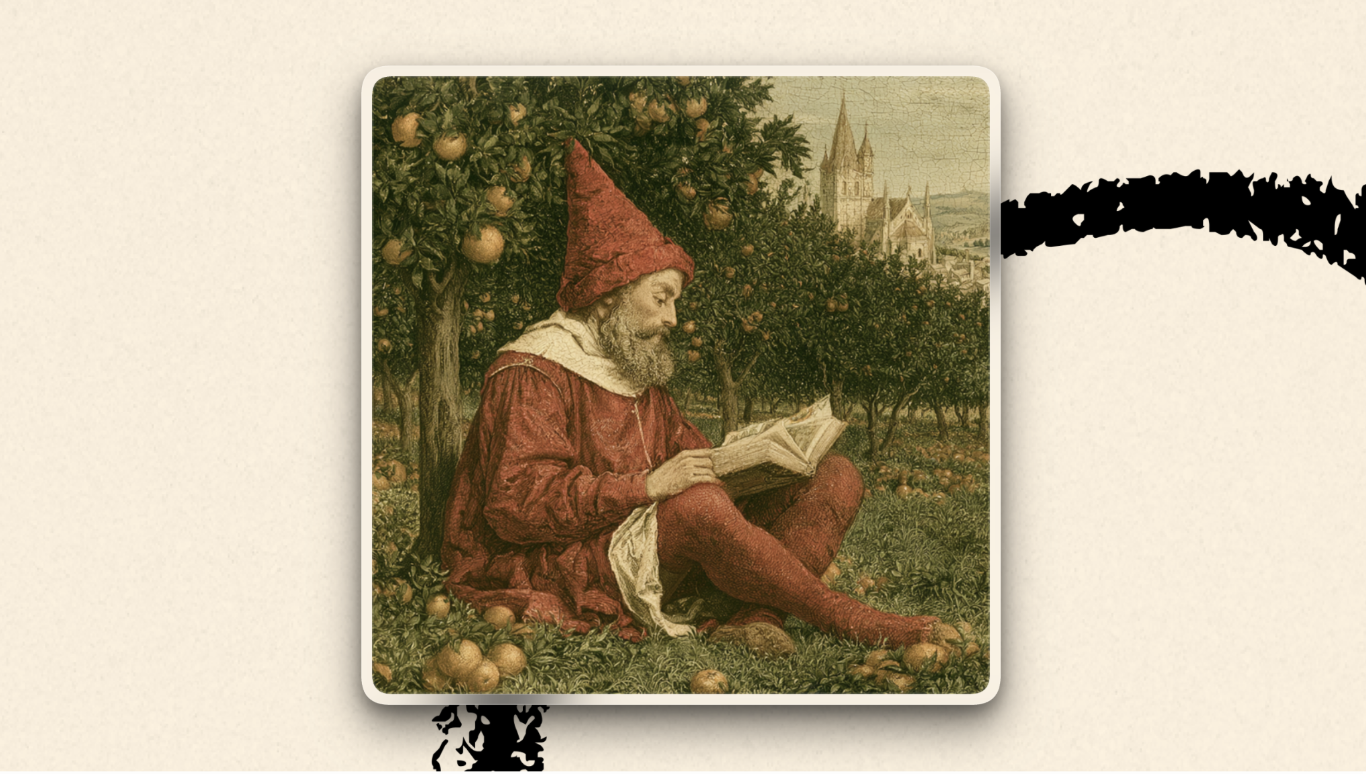
Step 2: Take the image you made in Midjourney, and upload it into Nano Banana or ChatGPT Images 2.0 to nail down the specifics. Compared to Midjourney, both models follow directions to a T. This literalness limits Daniel’s ability to make creative leaps with the tool, but they’re great for refining an existing image so it better matches the visual in his head.
Step 3: Go back-and-forth with the model. For detailed prompts—say, of a “woman in her 30s, with red sunglasses, blue earrings, writing in a notebook with a yellow Montblanc pen”—Nano Banana will probably only capture 70 percent of what you want, Daniel says. From there, you iterate with the model, refining one item at a time so it can focus on getting that change right until the output fits your exact specifications.
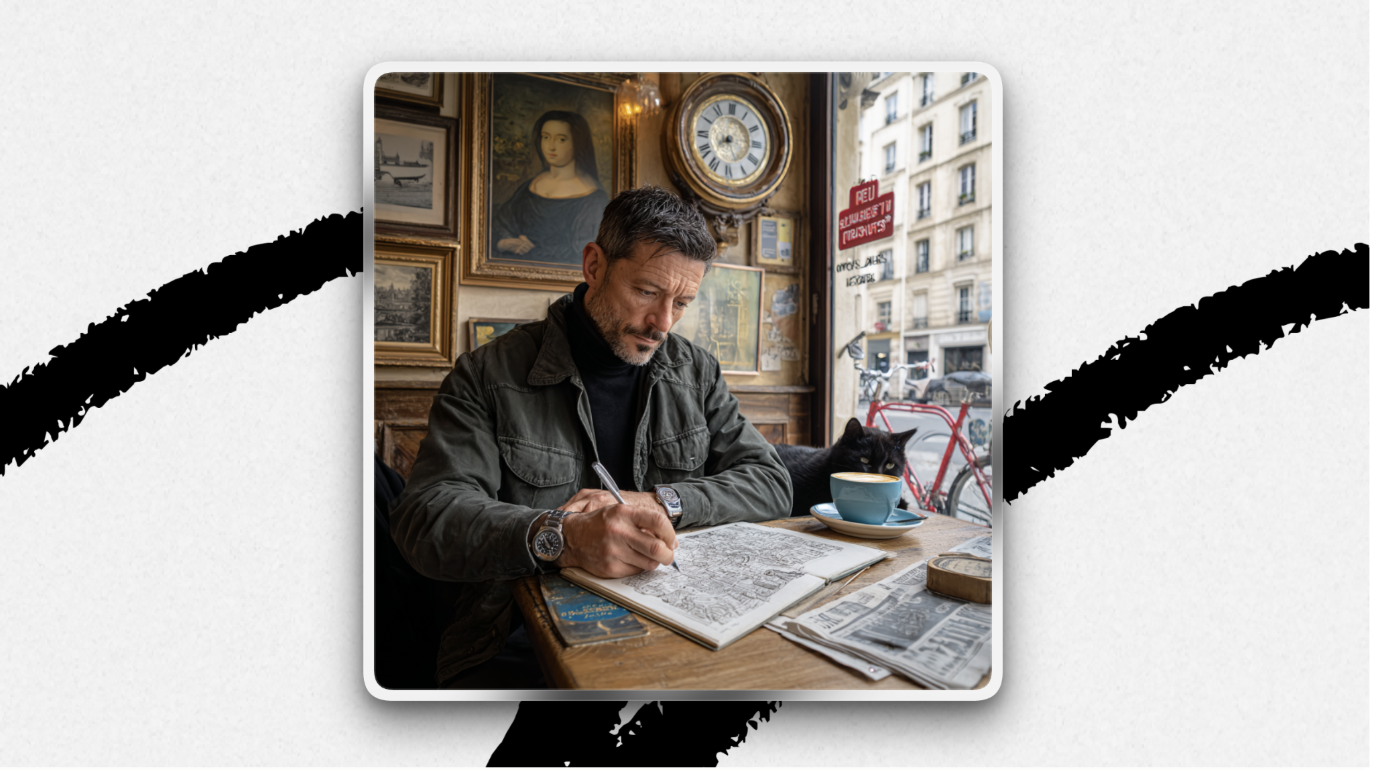
To stress test the models on their ability to follow complex directions, Daniel ran the following prompt in Midjourney, Nano Banana, and ChatGPT Image 2.0, respectively.
Create a photorealistic image of a 35-year-old man sitting alone in a small Paris café, sketching architectural drawings in a notebook.
He has olive skin, short dark hair, a trimmed beard, and a small silver nose ring.
He is wearing a dark green jacket, black turtleneck, and a silver wristwatch.
On the wooden table in front of him are:
A notebook labeled “Project Atlas”
A blue fountain pen
A coffee cup with latte art
A folded newspaper dated October 14, 2031
Behind him:
A framed Mona Lisa reproduction
A vintage wall clock showing 4:26
A red bicycle visible through the window
A street sign reading “Rue de Rivoli”
Additional details:
The man’s watch must also show 4:26
A small black cat is sleeping beneath his chair.
The image should look like a real photograph taken with a professional camera, with all listed details clearly visible and consistent.


One last thing
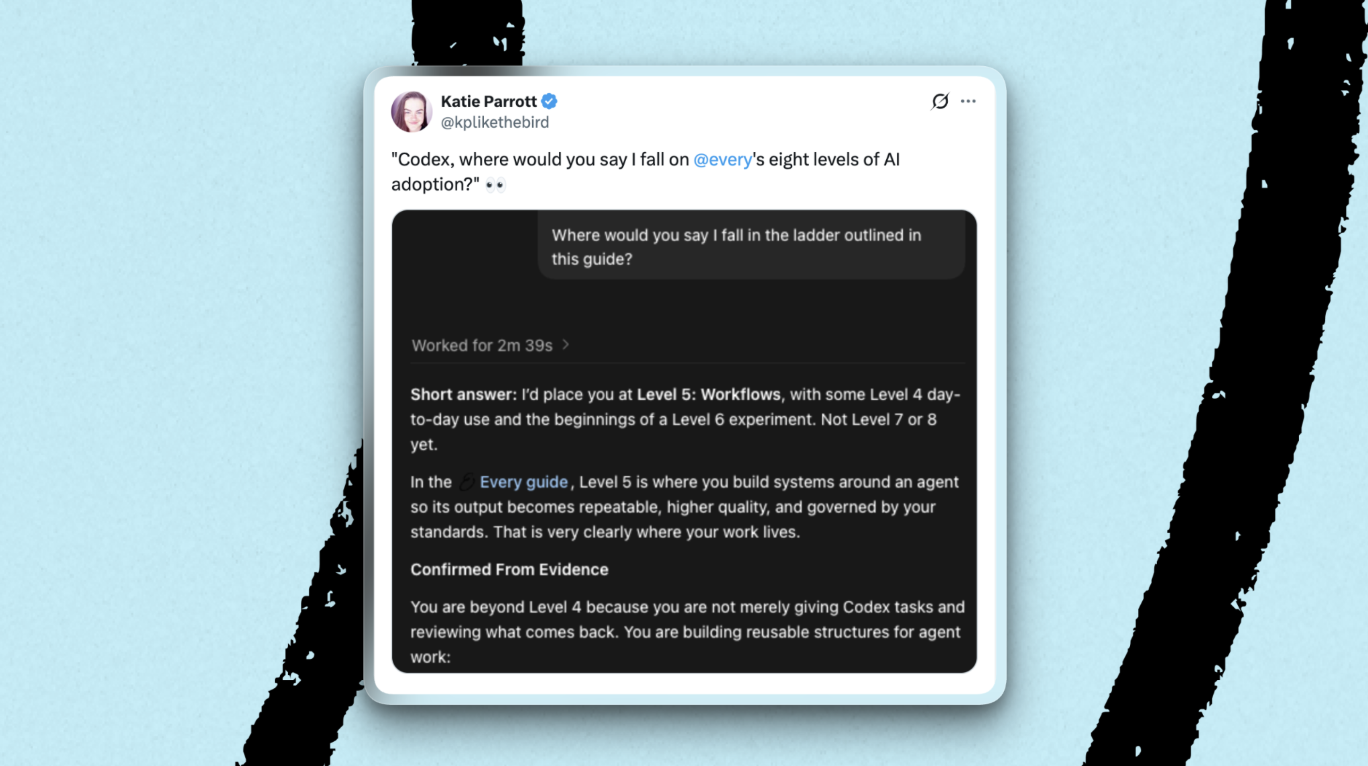
Where do you fall on the eight levels of AI adoption? If you don’t have time to ingest Mike Taylor’s comprehensive guide on the subject—it’s well worth a read, but we get it, time is a finite resource—here’s a quick way to identify what stage you’re at.
Simply run this prompt in your agent of choice:
based on everything you know about me, including memories, tools and skills installed, and past session history, what level would you say I was at on this guide to AI adoption levels? https://every.to/guides/the-eight-levels-of-ai-adoption
Laura Entis is a staff writer at Every. You can follow her on LinkedIn. To read more essays like this, subscribe to Every, and follow us on X at @every and on LinkedIn.
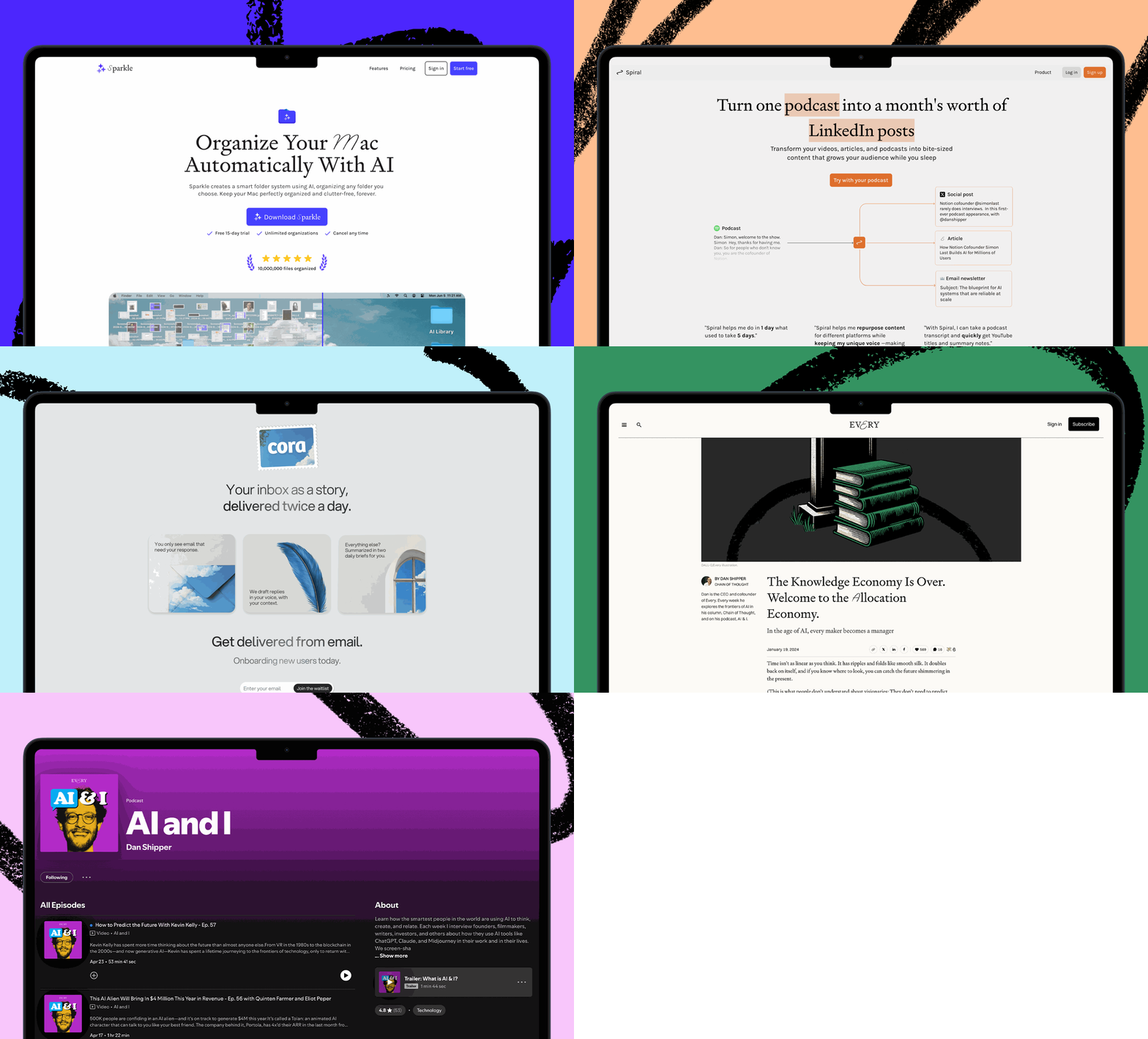
We build AI tools for readers like you. Write brilliantly with Spiral. Organize files automatically with Sparkle. Deliver yourself from email with Cora. Dictate effortlessly with Monologue. Collaborate with agents on documents with Proof.
Discover Every’s upcoming workshops and camps, and access recordings from past events.
For sponsorship opportunities, reach out to sponsorships@every.to.