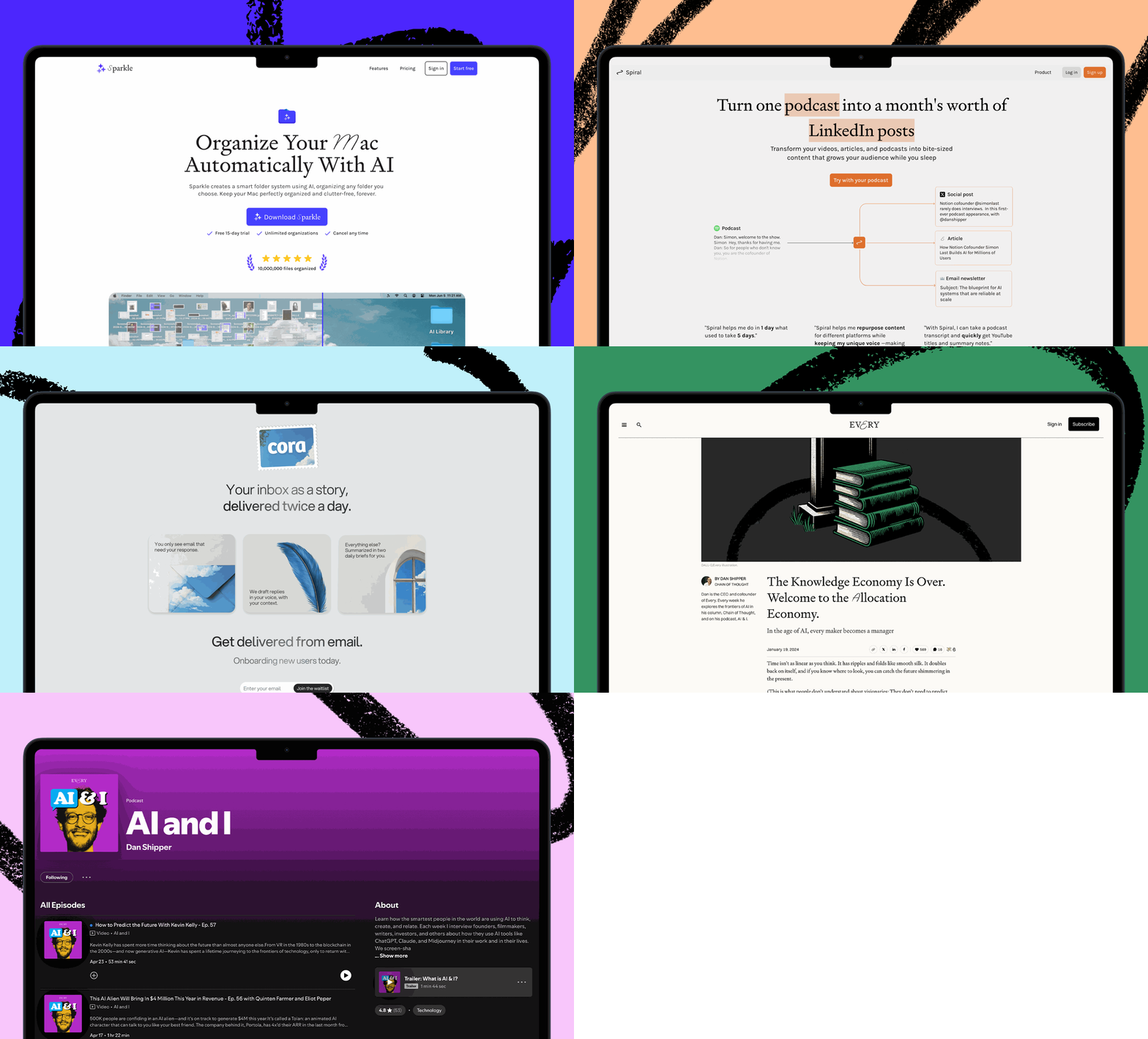


Hello, and happy Sunday! Kieran Klaassen’s compound engineering plugin has crossed 15,000 GitHub stars, and this week it got a substantial update. It now works across more tools, comes with more built-in agents and skills, and has a cleaner setup flow—try it and let us know what you think.—Kate Lee
Was this newsletter forwarded to you? Sign up to get it in your inbox.
Knowledge base
“Vibe Check: GPT-5.5 Has It All” by Katie Parrott/Vibe Check: The newly released GPT-5.5 is faster and easier to work with than its predecessors while also outperforming them on serious engineering tasks. Every’s testing found it to be the strongest OpenAI model for writing in about a year, and its biggest edge over Opus 4.7 shows up when working with an existing plan or system. Read this for the benchmark results, Reach Test ratings, and guidance on when to reach for GPT-5.5 versus Opus 4.7.
“Introducing Monologue Notes: Record Every Meeting, Call, and Voice Memo” by Naveen Naidu/On Every: The best thinking can happen away from your desk—on walks, on calls, in meetings—and then vanishes. Monologue Notes, a new feature in the Monologue app, records and transcribes all of it, then makes those transcripts available as context for whatever coding agent you use. Read this for the two starter prompts that turn your recordings into a structured work session and try it for yourself.
🎧 🖥 “You’re the Bread in the AI Sandwich” by Laura Entis/Context Window: Dan Shipper and Kieran Klaassen work through the titular AI sandwich, where humans excel now that AI handles execution: framing the problem upfront and judging the output after. Plus: how Every’s consulting agent Claudie keeps absorbing new responsibilities instead of spawning new agents, what that reveals about the two organizational structures that will define how companies deploy AI employees, and Nityesh’s trust battery system that lets Claudie earn autonomy by learning from her mistakes. 🎧 🖥 Listen on Spotify or Apple Podcasts, or watch on X or YouTube.
“Mini-Vibe Check: Claude Design Isn’t for Designers—Yet” by Katie Parrott/Context Window: Creative director Lucas Crespo put Anthropic’s new Claude Design through its paces. He finds it useful for empowering non-designers to produce on-brand assets, but poorly suited for open-ended creative work. Plus: Back-to-back security incidents at Vercel and Lovable reveal two distinct ways AI tools can expose your data, and a workflow from Nityesh Agarwal for setting up an agent-run X feed that monitors your AI stack for vulnerabilities overnight.
“Model Wars” by Laura Entis/Context Window: GPT-5.5 touched off a debate between Nityesh (Claude Code devotee) and Naveen Naidu (Codex partisan) about whether the Anthropic-vs.-OpenAI rivalry is a model question or a product one. Plus: Austin Tedesco‘s four-step workflow for producing polished product videos with Remotion and Claude Code, and why prompts are replacing the download button as the front door for AI-native tools.
“How I Escaped AI Autopilot” by Katie Parrott/Working Overtime: Katie Parrott accidentally completed a client assignment twice—because she’d delegated so much to AI that her brain never bothered storing a memory of doing it the first time. Research on pilots and cognitive bias explains why fluent, polished AI output is what makes it hardest to scrutinize. Read this for the three practices she’s now using to stay focused on her work.
Log on
We host camps and workshops on topics like compound engineering and writing with AI to share what we’ve learned from training teams at companies like the New York Times and leading hedge funds, and by using and experimenting with AI every day ourselves.
This week’s camp
- Codex for Knowledge Work Camp: Dan and Austin showed how to use OpenAI’s Codex for drafting, research, summarizing, running tasks in parallel, and building small tools to automate routine knowledge work. Watch the recording.
In New York City
- Software Is the New Media: Join us at Betaworks on April 28 for an evening conversation on how AI is changing media, content, and software—and what that means for the people building in all three. Learn more and RSVP.
Recordings you may have missed
- Compound Engineering Camp: Cora general manager Kieran Klaassen and product leader Trevin Chow walked through what’s new, went deeper on the brainstorm and ideate steps, and shared examples of using the compound engineering plugin in product-focused workflows. Watch the recording.
From Every Studio
Cora’s new inbox is looking for alpha testers
Kieran is looking for a small group of alpha testers to put Cora’s new inbox experience through its paces and share feedback. The alpha version now supports drafts, snooze, grouped views, keyboard shortcuts, metadata parsing, bulk archive, undo, and a context-aware chat that can answer questions about the email you already have open.
Cora’s broader goal is to let people do email however they want, whether that means organizing by recency, categories, briefs, or eventually doing an agent-first pass with manual cleanup at the end. If you want access, reach out to Kieran at kieran@every.to.
Spiral’s API agents can now remember how you write
Spiral is adding memory to its API agents, so your writing assistant can learn your projects, preferences, and common corrections over time. Instead of restating tone, structure, or your usual edits in every session, you can carry that context forward and get drafts that pick up where the last one left off. Memory is live now through the API (it’s not inside the app yet, but stay tuned). Try it at writewithspiral.com.
Alignment
Terminal pilled. Four months ago I opened the coding terminal for the first time, and it felt like staring into a black box that might bite me. Now I’m a snob about using it instead of a desktop app.
I build dashboards for biotech companies in it. I pull clinical trial data and parse financial filings while asking AI to explain the business model to me like I’m 11, and then like I’m 15, and then like I’m a grownup. On top of all that, I run Ghostty as my blazingly fast native terminal so I can juggle multiple windows for different workstreams, and I feel like I’m in the Matrix.
I’m promiscuous about the models inside the terminal I use. It might be Claude one day, GPT the next, and whatever is new the month after that. But I will never leave the terminal. Codex and Claude Desktop and Cowork have built beautiful interfaces for exactly the work I do, and without even trying any of them, I’ve decided they’re inferior—maybe because they’re too easy to use.
The terminal gives me the sense that I passed through a threshold of frustration most people won’t, and that’s worth the tiny sliver of superiority I feel when I use it. And sitting at a terminal makes me feel like I belong with the people who know how to code, even though I don’t, really.
All it took was four months of use and a minor superiority complex, and I’ve become one of those people I used to wonder about—the ones who won’t try the new thing even when it might work better.—Ashwin Sharma
That’s all for this week! Be sure to follow Every on X at @every and on LinkedIn.
We build AI tools for readers like you. Write brilliantly with Spiral. Organize files automatically with Sparkle. Deliver yourself from email with Cora. Dictate effortlessly with Monologue. Work on documents with AI agents using Proof.
For sponsorship opportunities, reach out to sponsorships@every.to.