


This is a free preview of a subscribers-only post.
Was this newsletter forwarded to you? Sign up to get it in your inbox.
You promised someone feedback in Slack, agreed to a deadline in a meeting, and have a handful of scheduling requests buried in your inbox. Keeping track of all those commitments is a job in itself.
That’s where Dots comes in. A proactive, always-on personal agent OpenAI built into ChatGPT, your Dot can monitor your Slack, email, calendar and the other places you work to catch errors and bring you reminders. It can also complete tasks for you, like answering emails, booking a doctor’s appointment, or making edits to a draft.
Our guide walks you through how to set up your Dot and includes seven workflows the Every team uses, each with a prompt you can copy.
Inside, you’ll learn how to:
- Build a running list of commitments. Have your Dot review Slack and email for unanswered requests, deadlines, and decisions. Ask for a link to each original message, why it needs your attention, and a suggested next step.
- Catch inconsistencies across apps. Our team’s Dots have flagged an outdated article summary and launch emails referencing a feature that hadn’t shipped yet. The guide includes a prompt for checking your work for similar discrepancies.
- Set rules for inbox triage and scheduling. Ask your Dot to draft replies, check shared calendars, and protect your writing time. Include an explicit boundary: “Don’t send anything without my approval, and save any corrections I give you for next time.”
- Run multistep projects from Slack. Specify the app, computer, action, and destination, then ask your Dot to report back with a result link and anything requiring your help.
Dots currently requires ChatGPT Business Premium. It’s especially useful for people juggling teams, clients, or projects; focused, linear work may offer fewer reasons to use it.
You’ll also need to check its progress. Our team has encountered silent failures, unreliable connections, and dropped tasks. The guide will help you choose a useful starting role for your Dot, with enough oversight to confirm the work gets done.
Laura Entis is a staff writer at Every. To read more essays like this, subscribe to Every, and follow us on X at @every and on LinkedIn.

What is included in a subscription?
Daily insights from AI pioneers + early access to powerful AI tools
 Front-row access to the future of AI
 In-depth reviews of new models on release day
Playbooks and guides for putting AI to work
Prompts and use cases for builders
In-depth reviews of new models on release day
Playbooks and guides for putting AI to work
Prompts and use cases for builders
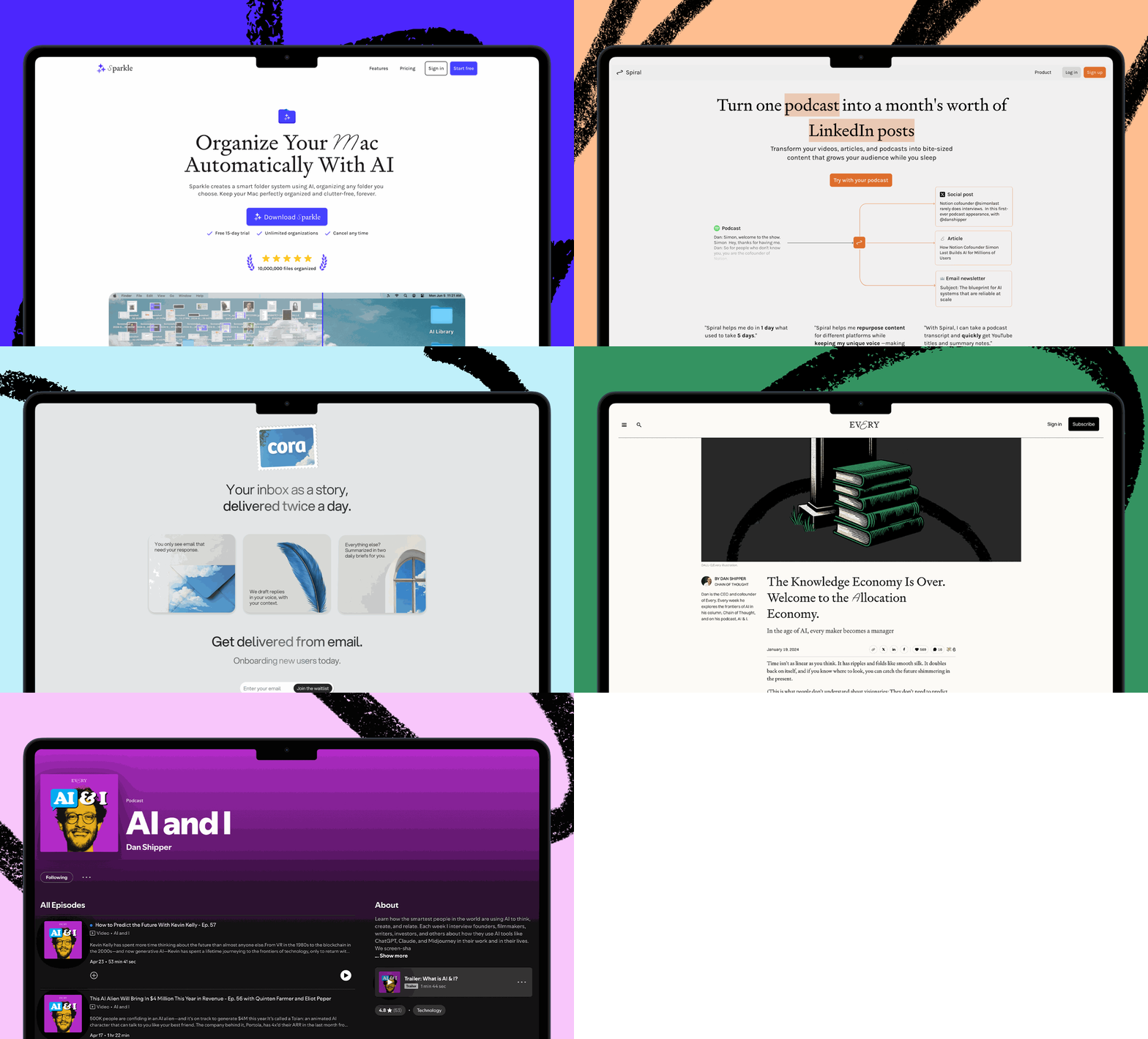
 Bundle of AI software
 Sparkle: Organize your Mac with AI
 Cora: The most human way to do email
 Spiral: Repurpose your content endlessly
 Monologue: Effortless voice dictation for your Mac