


This is a free preview of a subscribers-only post.
The frontier model you pay for every month can discover new antibiotics—a lot of firepower for summarizing your meeting notes. Kai Zau, a programmer who runs millions of tokens a day through open models on a Mac Studio, has spent years testing where open models are good enough to replace frontier ones. His guide is built around commodity intelligence: the growing set of tasks where open models now match frontier quality for a fraction of the cost. He explains how to pick the right model tier for a job, where to host it, and how to connect it to the tools you already use, including coding agents and automated workflows. If you pay for Claude or ChatGPT and aren’t sure you need to, start here.—Kate Lee
Was this newsletter forwarded to you? Sign up to get it in your inbox.
Open models are more popular than ever. Vercel reports that 56 percent of the tokens on its AI Gateway ran through open models in August. At AT&T, they now handle 40 percent of its AI use, and the company says that share could reach 60 percent. Meanwhile, on-device AI is the headline feature of Apple’s latest Mac Studio and Mac Mini.
As an early adopter of open models, I’ve watched them grow from clunky research projects to capable workhorses. They now handle a growing share of my coding, writing, and automation work, giving me more ownership of my AI setup.
Any given day, I cycle through frontier models, open models on providers, and open models on my Mac Studio. The flexibility lets me control where my data goes, see where each model shines, and keep a backup ready when a service goes down. It’s more work than using a proprietary AI stack, but for the right use cases, it’s worth the effort.
I wrote this guide to make those tradeoffs easier to understand. It explains the different types of open models, where to run them, and how to fit them into your work and tools. And if you want to try hosting a model yourself, there’s a prompt to help you choose a model for your hardware investment—or the computer you already have.
Kai Zau is a programmer and AI tinkerer. He runs millions of tokens per day through models hosted on his Mac Studio.
Everyone’s a builder now. Every All Access gets you the full membership plus the Builder Pack—$9,000+ in credits for the tools we build with.

What is included in a subscription?
Daily insights from AI pioneers + early access to powerful AI tools
 Front-row access to the future of AI
 In-depth reviews of new models on release day
Playbooks and guides for putting AI to work
Prompts and use cases for builders
In-depth reviews of new models on release day
Playbooks and guides for putting AI to work
Prompts and use cases for builders
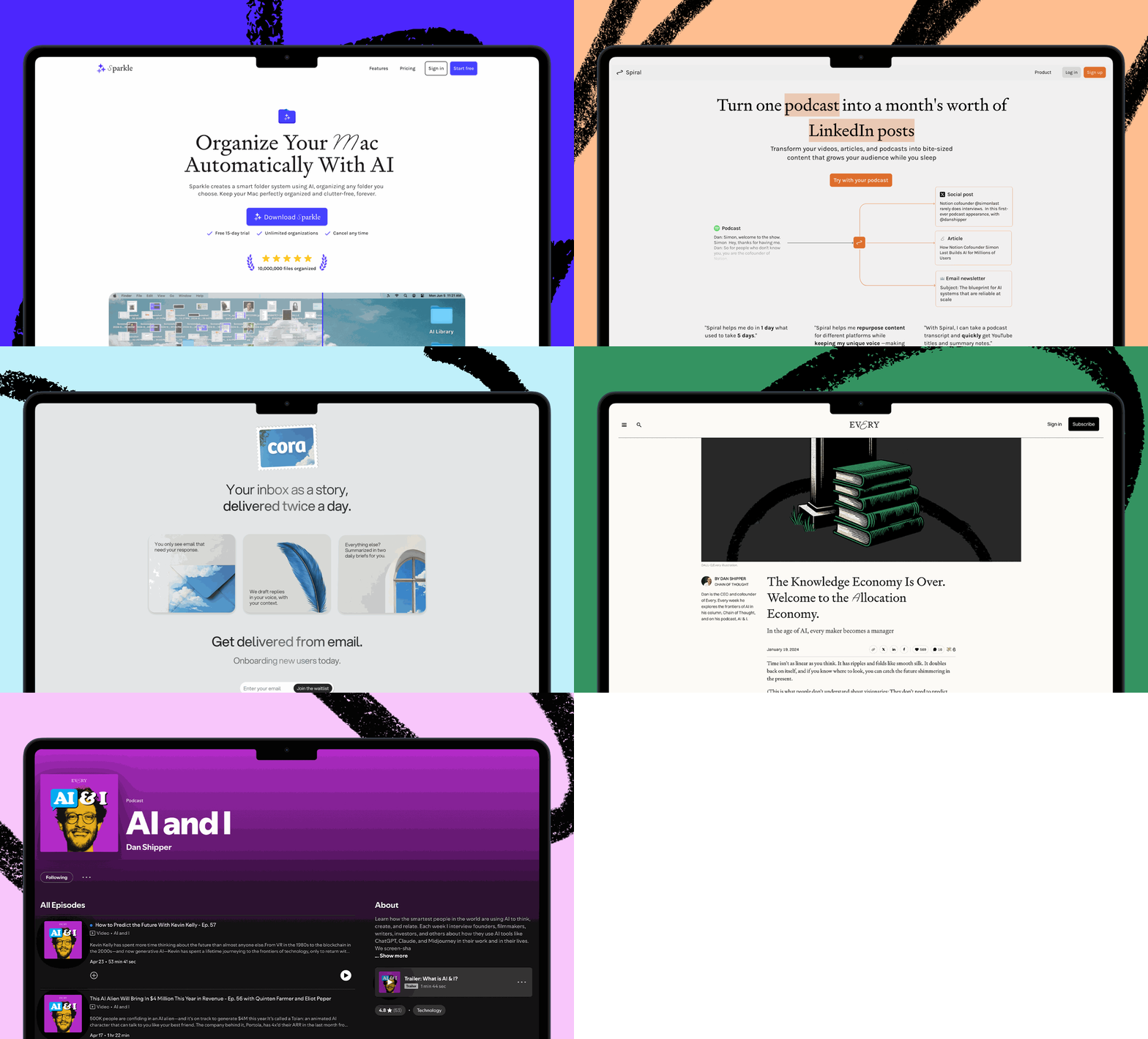
 Bundle of AI software
 Sparkle: Organize your Mac with AI
 Cora: The most human way to do email
 Spiral: Repurpose your content endlessly
 Monologue: Effortless voice dictation for your Mac