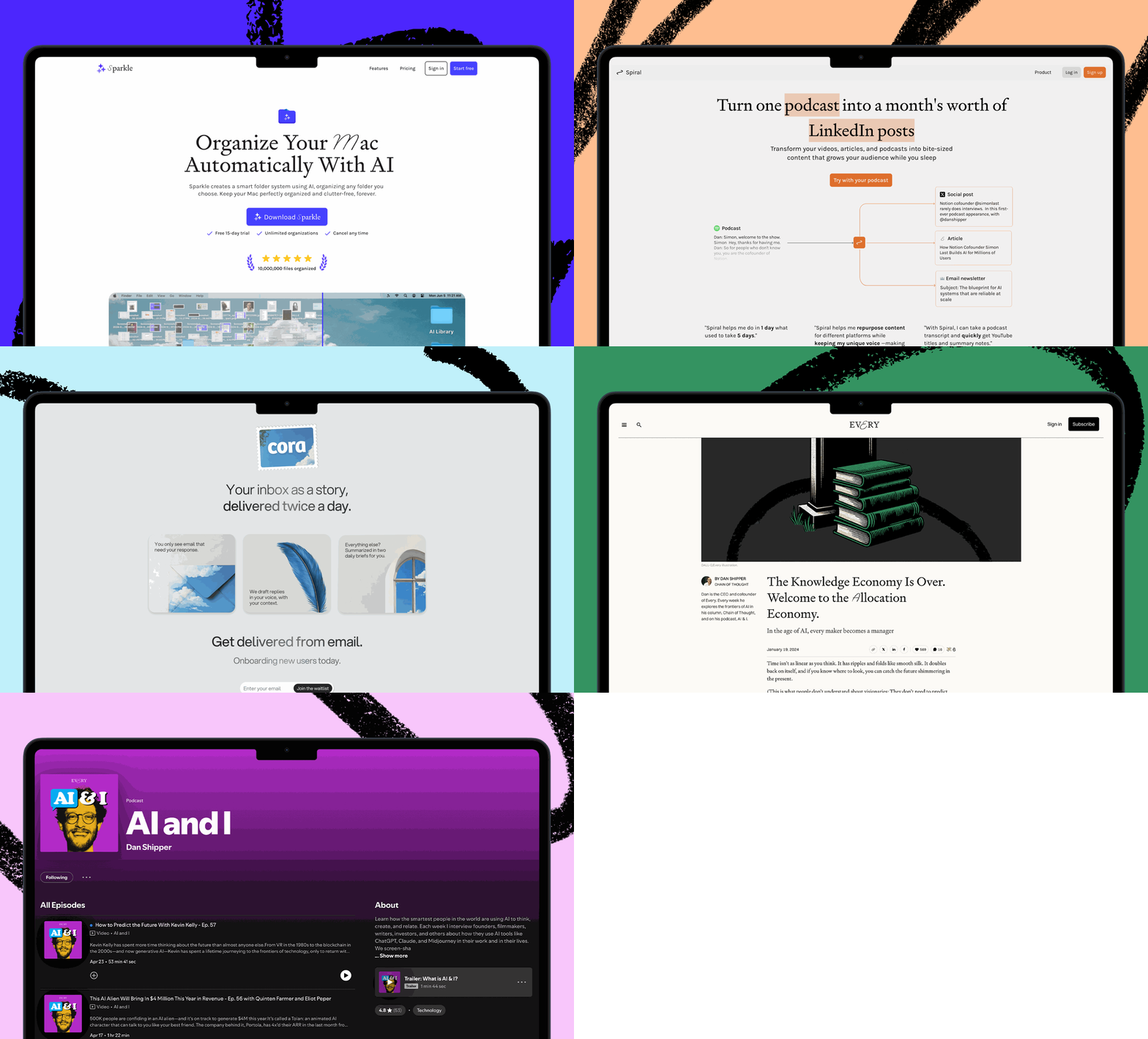


Cutting-edge AI tools used to be the domain of engineers. No longer. Now the technology is accessible enough that anyone who wants to work more efficiently and ambitiously can use coding agents like Codex. With that in mind, staff writer Katie Parrott updates our guide to using Codex for knowledge work, head of social media Becky Isjwara shares her Codex hack for making YouTube thumbnails, and Anthropic’s new Slack agent, Claude Tag, validates the collaborative, shared-agent future Every has been living in since January.
We’re hosting a live Codex for Power Users Camp this Friday, June 26, for paid Every subscribers. During the two-hour event, the Every team will share how Codex has become a daily driver for writing, research, growth, customer support, and engineering. RSVP.
Our ‘Codex for Knowledge Work’ guide gets an upgrade
Codex has been on a tear lately. With new features like Sites and role-specific plugins, and high-concept video ads scattered across San Francisco, OpenAI really wants you to know that Codex is not just for coders anymore.
According to the company, they’re chasing promising early signals. Codex has only 5 million weekly active users overall; for comparison, ChatGPT has 900 million. But knowledge workers account for about 20 percent of Codex users—and are growing more than three times as fast as developers. OpenAI is betting that this fast-growing group is early evidence that Codex can become the place everyone gets agentic work done, whether they identify as “technical” or not.
The product is evolving quickly around that bet. OpenAI has launched role-specific plugins that allow Codex to assume the expertise of a financial analyst or a product manager, and Sites to present any kind of outputs and information, technical or not. It’s a lot to keep up with—and I say that as someone whose job is to keep up with it.
That’s a big part of why I think OpenAI still has an onboarding problem to solve. The people I talk to who are interested in AI but considerably less AI-pilled than I am are open to Codex. They’re simply unsure what they would use it for, let alone how to use it well. Codex’s flexibility is great for getting a variety of work done, but it gives new users very little guidance about where to begin.
Our “Codex for Knowledge Work” guide offers one opinionated perspective on how to get the most out of Codex.
We published the guide less than a month ago, but because so much keeps changing with Codex, we expedited an update, including:
- A new map of how projects, threads, Goals, plugins, and Sites fit together
- A deeper explanation of how Codex reaches your work through local files, connected apps, skills, MCP servers, browser use, and computer control
- Stronger guidance on mobile control, team handoffs, permissions, human review, and workflow ownership
- A 30-day plan for moving from one reliable personal workflow to more advanced uses such as plugins, Sites, and automation
This guide is a jump start for Codex, not the definitive way to use the tool. The more you work with Codex, the more you learn to ask it what it needs from you—and the more you discover it can do. One insider tip: Give the whole guide to Codex, tell it about your role and tools, and ask it to help you choose your first workflow.—Katie Parrott
Steal (one more) Codex workflow
Codex, make me a thumbnail
AI progress is fast, but the speed can register as background noise as you go about your day-to-day.
And then—bam!—a new model drops, and parts of your job that were annoyingly time-consuming are suddenly easier. That’s what head of social media Becky Isjwara experienced when OpenAI released its latest image generation model in late April. The model’s editing capabilities were so good that she was able to streamline her process for creating thumbnail images for YouTube videos, which previously required having on-camera talent sit for photoshoots. Here’s Becky’s new workflow:
- Upload the video you need a thumbnail for into Codex, then have it take a bunch of screenshots from the video that capture as many different facial expressions as possible.
- Review all the screenshots, narrow them down to the strongest candidates, and ask Codex to edit your final selection. (This might mean sharpening the image or removing distracting visual clutter.)
- Open the edited image in Canva and use the web design platform’s Magic Layers tool to separate out the subject so you can replace the background with design elements.
The process isn’t foolproof—Codex doesn’t handle super-blurry images well, and Becky still manually reviews screenshots to ensure there isn’t any facial distortion, unnatural image sharpening, or other AI tells—but it’s reliable enough that CEO Dan Shipper doesn’t have to sit for YouTube photoshoots.
“In my YouTube producer circles, when I tell them I’ve just been making thumbnails with ChatGPT, they’re like, what the heck?” Becky says. “And I’m like, ‘It’s really good.’”

Signal
Tag, you’re it!
Claude is now on Slack. On Tuesday, Anthropic unveiled Claude Tag, a Slack agent you can add to channels, connect to tools and codebases, collaborate with, and delegate asynchronous work to.
“We see Claude Tag as the beginning of an evolution of Claude Code: it makes the model even more proactive, and it works better with a full team,” Anthropic said, adding that it’s how the company has been getting stuff done internally for the better part of the year—including creating 65 percent of the product team’s code.
Why it matters: This is a big deal. We know because we’ve already been working this way for some time. Claude Tag is Anthropic’s version of Claudie, the Claude Code Slack agent senior applied AI engineer Nityesh Agarwal and head of consulting Natalia Quintero built way back in January. (Nityesh has long described Claude Code as an “amazing general-purpose harness,” a truth the rest of the world is now waking up to and something he’ll talk about in a piece coming tomorrow.)
Once you’ve experienced the power of Claude Code within a customizable Slack agent you can collaborate with and delegate to, there is simply “no going back,” Nityesh says.
It’s why we’ve been hard at work refining Plus One, Every’s version of an AI coworker in Slack. By making @Claude a shared agent that interacts with everyone in a channel, Anthropic reached the same conclusion we did: At work, shared AI teammates with institutional knowledge trump individual personal assistants.
All of this is to say, the frontier has moved again. “Work is bifurcating into two surfaces: async delegated work with Slack agents, and collaborative work with Codex or Cowork,” Dan says. “Now Anthropic has a powerful async work surface.”
It’s an exciting and potentially destabilizing time for many teams. As more agents jump into Slack—we expect an OpenAI competitor to enter the fray any day now—humans across roles and industries will need to learn how to manage, delegate to, and work alongside their AI colleagues.
One last thing
AI tells come for design
“The preferences and tendencies and aesthetics are deeply baked into [Claude Design’s] machinery; it is always going to struggle to produce something that doesn’t look like A.I.”—Matt Ström-Awn, an independent designer, in the New Yorker
First, Anthropic came for writing, as Claude-pilled content creators published torrents of “it’s not X, it’s Y” and other AI-flavored sentences. The same dynamic is now playing out with online visuals. As the New Yorker reports, Anthropic’s recently launched design tool has unleashed a flood of website interfaces with cream-colored backgrounds, large serif typefaces, and, as the designer and writer Celine Nguyen put it, “tasteful, slightly askew primary colors.”
Just as professional writers have been wrestling with complex emotions about the em dash or “rule of three” rhetoric, designers are in their feelings. “Now I find myself instinctively repulsed by the warm tones even though I love this kind of color palette,” Nguyen told the outlet.
Laura Entis is a staff writer at Every. You can follow her on LinkedIn. Katie Parrott is a staff writer at Every. You can read more of her work in her newsletter. To read more essays like this, subscribe to Every, and follow us on X at @every and on LinkedIn.
For sponsorship opportunities, reach out to sponsorships@every.to.
Help us scale the only subscription you need to stay at the edge of AI. Explore open roles at Every.