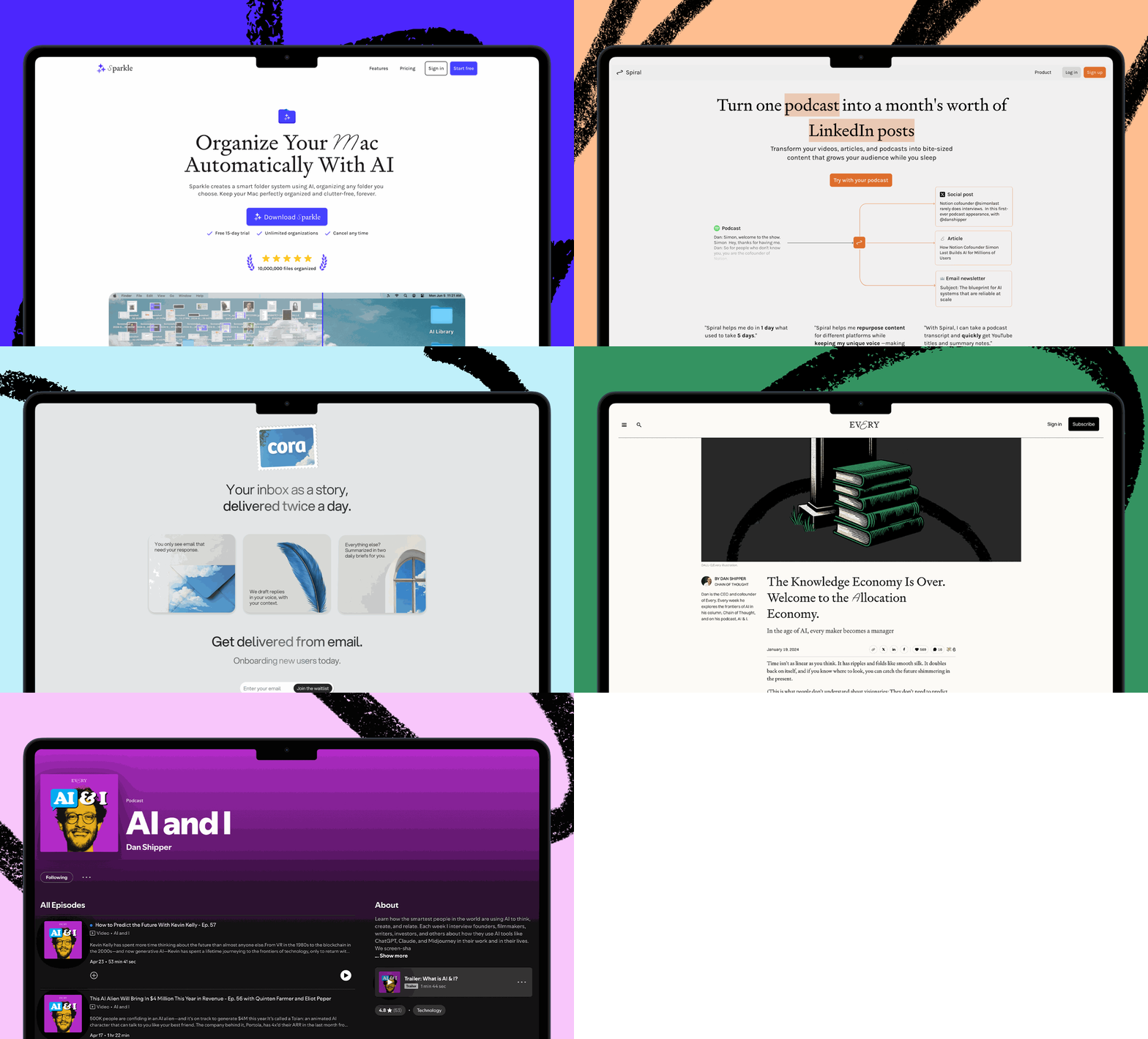


Today, head of evals Mike Taylor published a Vibe Check of TypeSafe’s Jev, a new kind of model that responds to a fuzzy question with a probability rather than prose, letting your code act on the result directly. It can’t compete with a frontier model on capability but is fast and cheap enough to check work while it’s being done.
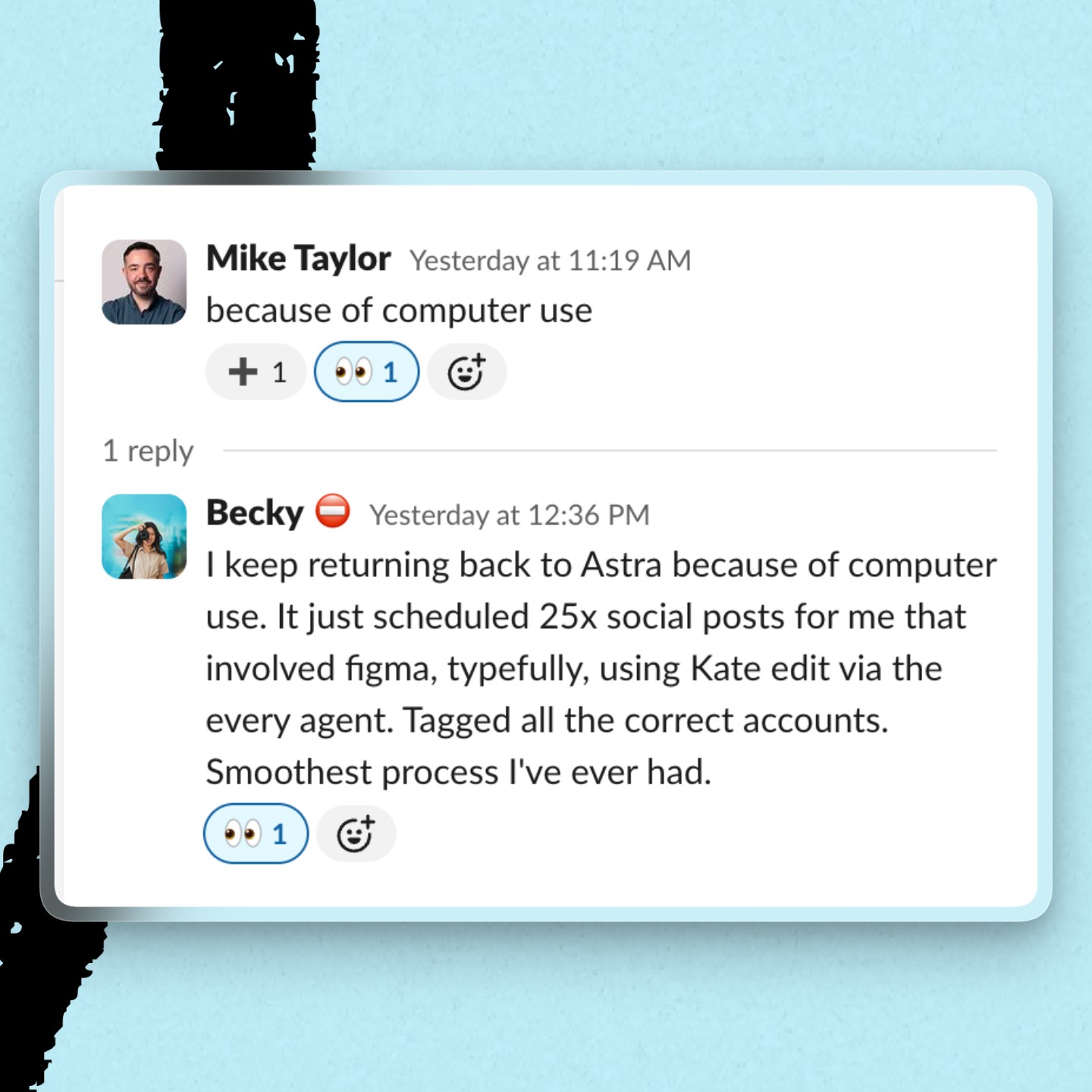
Mike is also the reason today’s issue is focused on computer use: Astra’s ability to operate apps by clicking, typing, and scrolling changed his mind about the model. Later, we explain why that happened, how the rest of the team harnesses computer use to check off tedious items on our to-do lists, and how to use AI to create a slide deck that looks the way you want it to.
Was this newsletter forwarded to you? Sign up to get it in your inbox.
Vibe Shift
Computer use turns Astra into Mike’s daily driver
When we published our Astra Vibe Check on September 3, Mike rated the model a yellow, which means “It’s okay, but I wouldn’t use it every day.”
“I’ve been using it for a few days and haven’t run into a single problem, but I also haven’t run into anything I couldn’t get from Fable 5.1 so far,” Mike wrote in his review. “The computer use seems much faster, but I feel like I’ll need to change the way I work to fully take advantage of that.”
Less than two weeks later, Mike had changed his mind and was “starting to believe that Astra is AGI.”
What caused the about-face? Two words: computer use.
The model handles tasks on his computer so quickly and capably that “I finally reach for it for every single task,” he says. He started small with one assignment, filling in forms for his daughter’s school, and watched it to see how it performed. That gave him confidence to try more ambitious tasks like making Google Slides deck updates and video edits. It nailed every job he fed it, and he now defaults to Astra in Codex for work he previously didn’t delegate to AI. Mike still prefers Fable 5.1 for writing and certain design choices, but day to day, the benefits pale beside Astra’s usefulness.
Recently, Mike handed Astra six presentations for his prompt engineering course. Astra added new screenshots and assets directly in Google Slides and made hundreds of tiny edits. Mike barely had to intervene.
Then he gave Astra a more tedious assignment: Check every link in the PDF proofs of his new book. Astra opened each destination, checked that the page loaded and matched the surrounding text, and compiled a spreadsheet of problems.
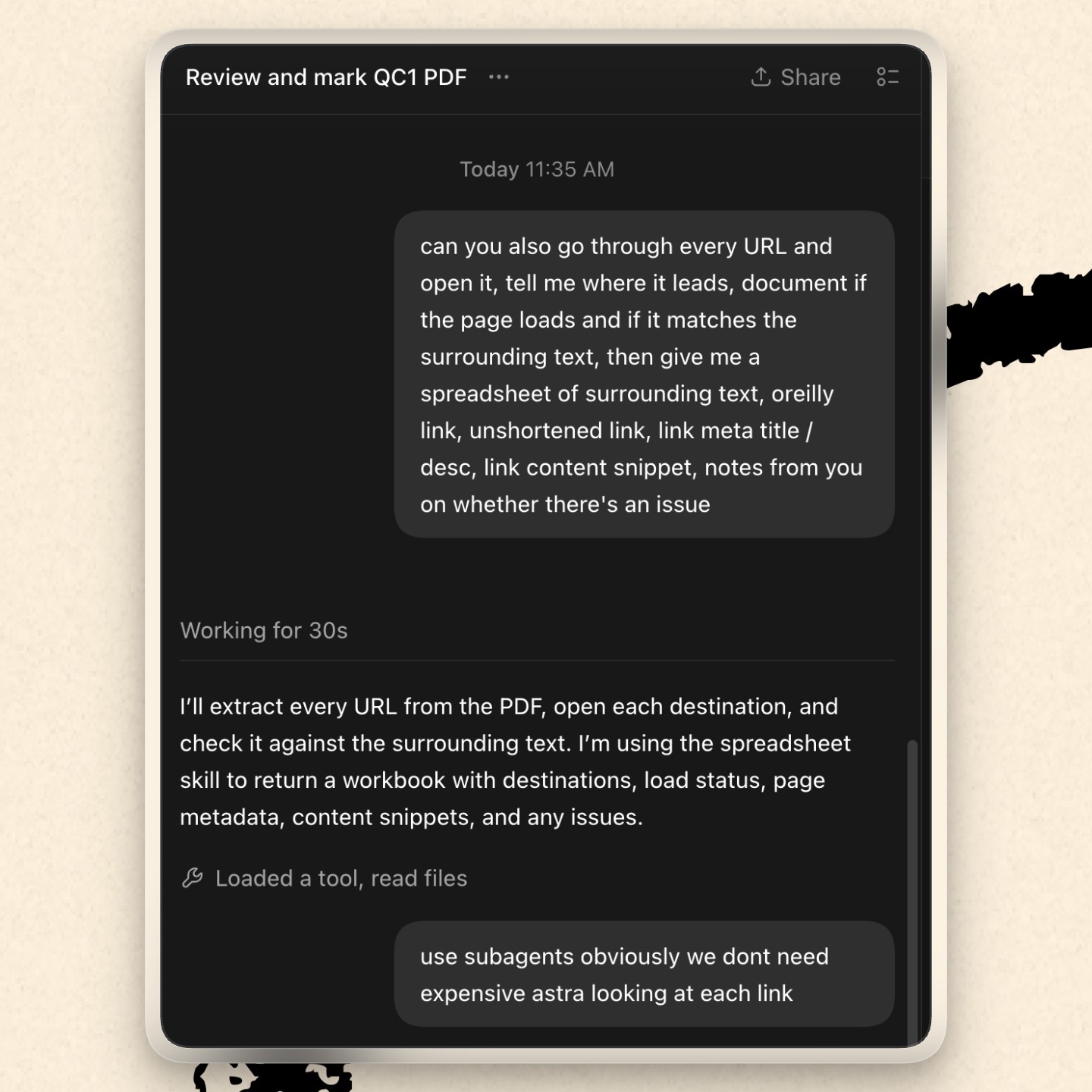
Before Astra, Mike steered agents away from computer use because it was too slow and clunky. Now, he’s handing work over to it. “Astra reminds me that AI can do a lot more of my work than I expected.”
Inside Every
Here’s what Every staffers are outsourcing to AI with the help of computer use
- Randy Counsman, head of video: Talks to Codex while cooking or washing dishes, handing off errands like finding an old maintenance request and submitting a follow-up about his missing dishwasher. To track which task is using his computer, he has Codex put 🖥️ in the title of any task currently controlling his computer, so he knows when it’s driving.
- Brian Dell, head of business development: Has Codex maintain his calendar, including entering his kids’ school and camp events. “The highest-leverage thing I’ve done in my adult life,” he says.
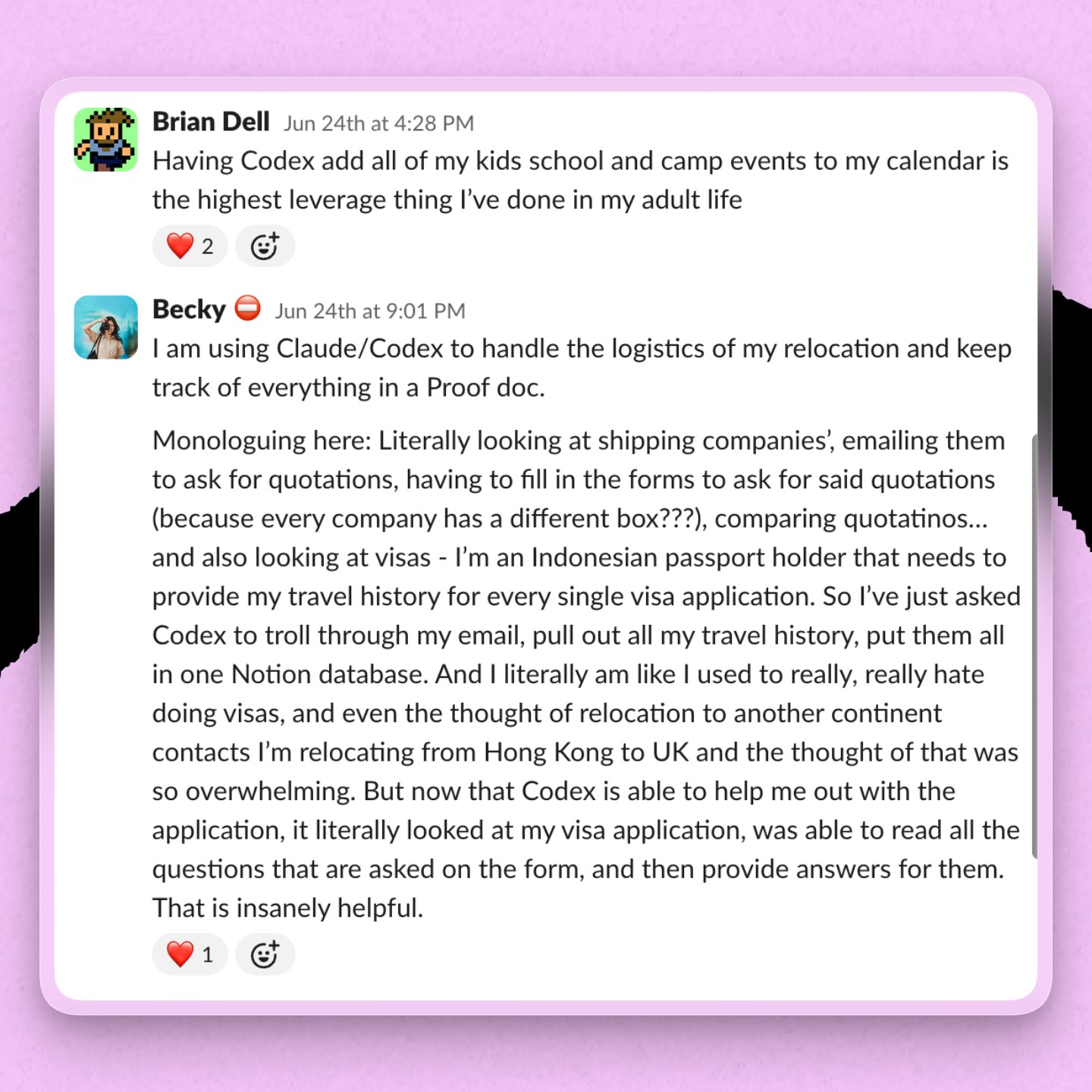
- Becky Isjwara, head of social media: Has Codex browse her iPhone photos, identify items she wants to sell, and list them on marketplaces. It also controls her phone through iPhone Mirroring to clear WhatsApp storage, and exports images from Figma and attaches them to posts in Typefully, a social media scheduling platform. Compared to Claude Code, she finds Codex’s computer use operates discreetly in the background. Claude, she says, “always brings the window up front so it’s blocking me from whatever I need to do.”
- Tyler Nishida, engineer: Taps computer use to manage app builds and assemble, rig, and repair characters in Blender, a free tool for creating 3D models and animations. For his Blender and Unity workflow, computer use has been more useful than the apps’ agent connectors. The feature is a double-edged sword: “OpenAI always had best-in-class computer use. But the better it gets, the more it makes possible for me, and I have less of a life on weekends,” he says.
- Natalia Quintero, head of consulting: Had Codex shop around for a better Verizon plan. It typed directly into Verizon’s support chat, read the representative’s responses, and kept the conversation going while Natalia did something else. “This was never going to get done otherwise,” she says. “So good.”
- Arielle Shipper, head of operations: Has Codex respond in Slack with attachments and relies on computer use when the connector falls short. For older software without a reliable connector, she signs into the website and lets Codex work through the browser. Codex is also her go-to for mysterious tech problems. If her computer is “slow AF,” she can tell Codex to “figure out why and fix it”—and it does.
- Dan Shipper, CEO: Uses agents to handle tasks like transferring his internet service to a new apartment. He’s also built Hands, an internal Mac app that lets the Every Agent operate apps on his computer, including handing tasks to Codex or Claude. From Slack, he can ask Hands to open Codex, generate a report on his AI usage, and send it back in the same thread.
None of these tasks are especially difficult. They’re just annoying enough that humans routinely put them off. Computer use turns “I should probably do that” into “I’ll ask the agent to do that.”
Steal this workflow
Stop spending so much time on slide decks
Every’s head of marketing Douglas Brundage wants every presentation, even internal ones, to look good.
“I’ve been a slide jockey my whole career,” he says. That used to mean spending hours formatting a single slide deck.
Now when he needs to create a presentation, he’ll design a few slides himself and ask Codex to build the rest of the deck directly in Google Slides, relying on computer use to click, type, and format each slide to match his templates.
Here’s his workflow:
Step 1. Give Codex a design to emulate. Douglas usually makes a few example slides himself: an opening slide, a section break, and layouts for text, images, or graphics. This gives Codex concrete references.
Step 2. Determine what you want each slide to say. He works with Codex on the copy and usually supplies images. For a recent presentation, he pointed Codex to illustrations he’d collected in Figma and asked it to insert one on each section break.
Step 3. Have AI do the heavy lifting. Once the text for each slide is ready, he asks Codex to open Google Slides and build the presentation, using his example slides as templates. The agent clicks and types in the app to add the text, place images, and format the deck. Douglas reviews the first pass. Codex makes mistakes: In one deck, it crammed 30 examples onto a single slide. Still, the mistakes are easy to fix. Douglas either makes small formatting updates himself or tells Codex what to change.
Step 4. Show it your edits. Douglas reviews and edits the finished deck in his browser, then sends it back to Codex. He asks it to turn the changes into rules and add them to his writing skills, or the saved instructions he’s building to help Codex write more like him.
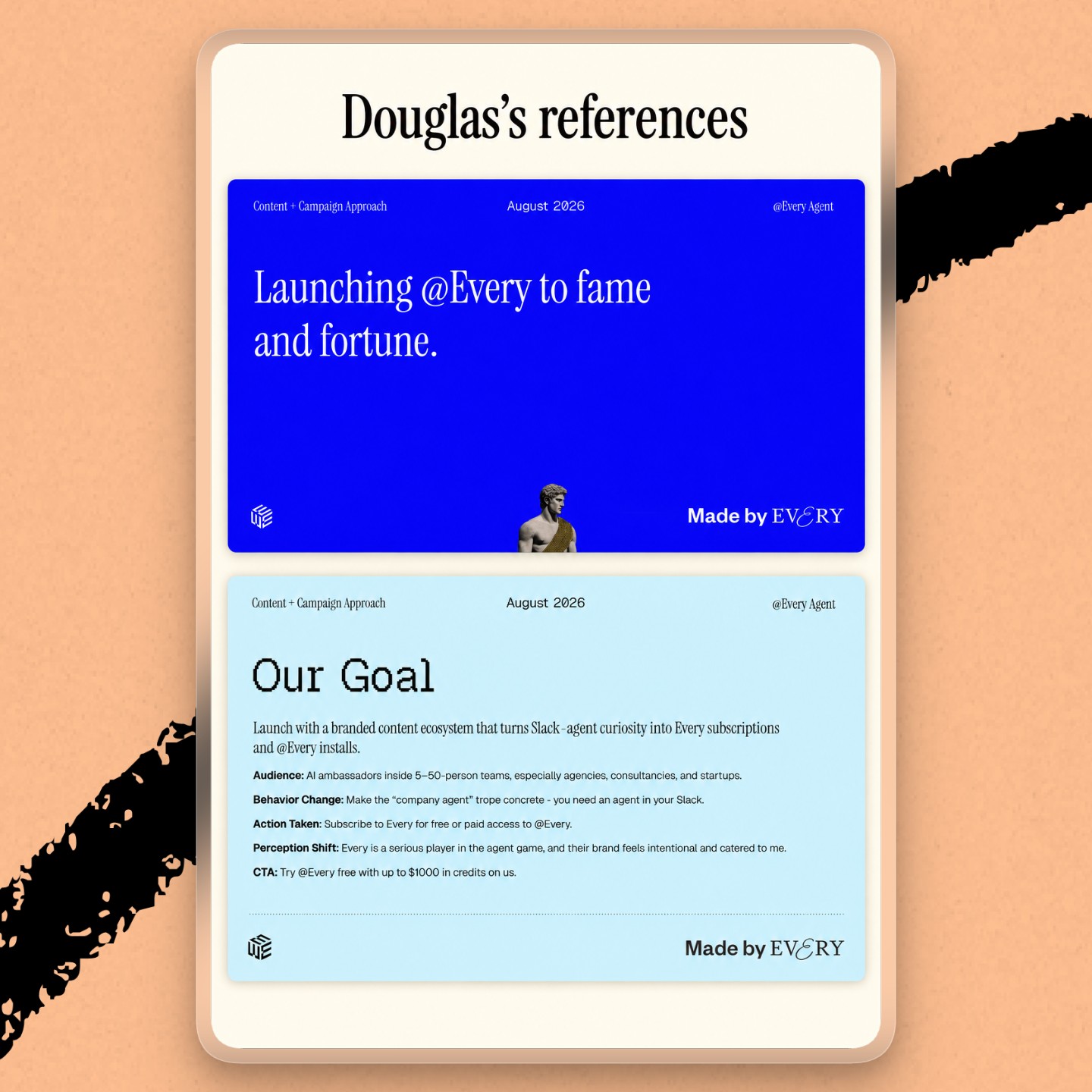
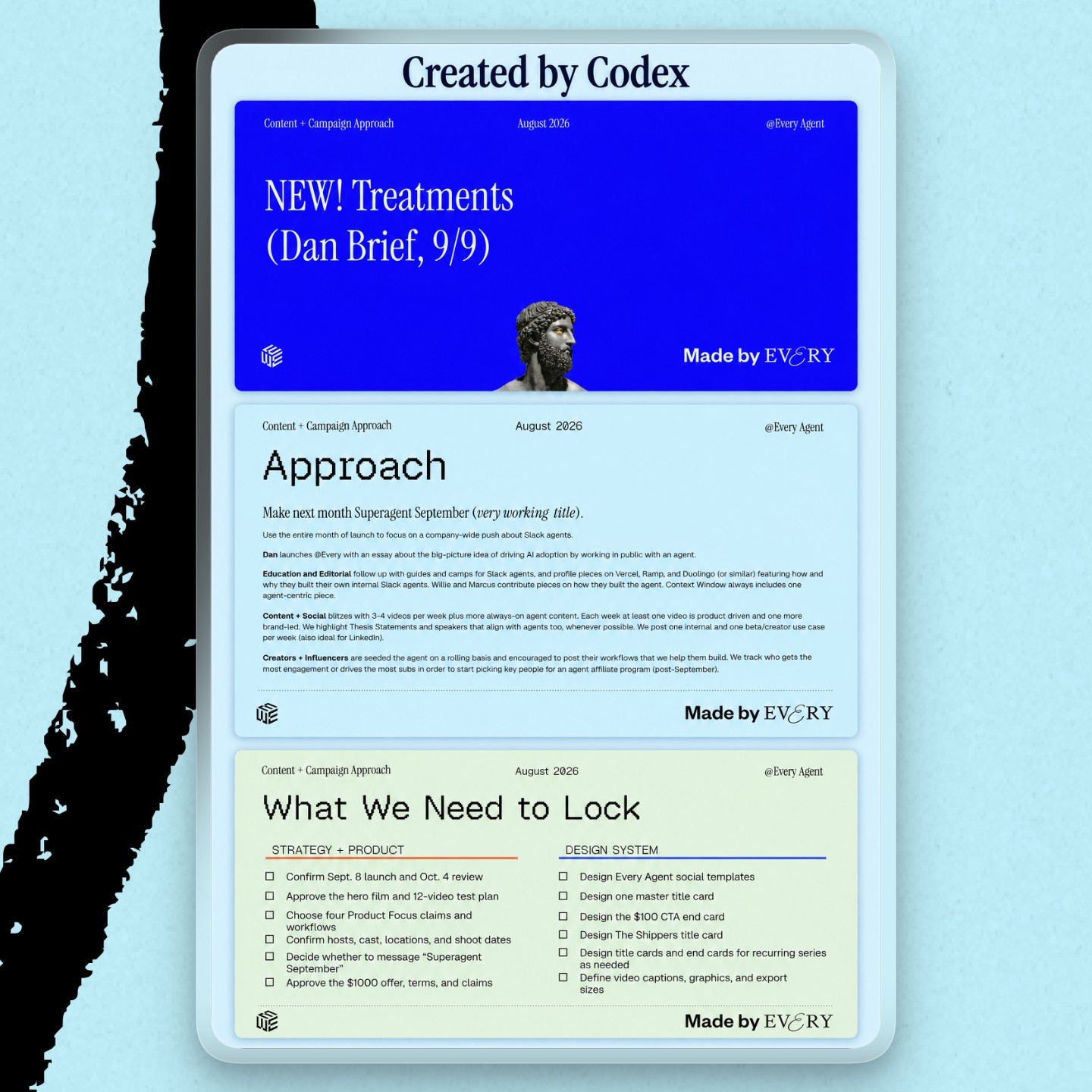
Try it this week: Design two or three reference slides for an upcoming presentation, generate slide copy with Codex, and have it build the entire deck in Google Slides using your examples. Review the results, make changes, and have Codex save those instructions to avoid the same issues next time.
Thesis Statements
Four weeks ago, we launched Thesis Statements, a collection of specific, contestable claims from builders and thinkers about the future of great human work with AI.
This week, we have six more predictions from people at the frontier:
- Good design will signal mediocrity by Douglas Brundage, head of marketing at Every
- Technical competence will yield to people skills by Will England, CEO , and CIO of Walleye Capital
- The risk won’t be bad execution—it’ll be endless execution by Diana Palacio, senior engagement manager at Every
- A faster version of average is still average by Prashanth Subramanian, cofounder of Quadra Systems
- How to do something will stop being our identity by Arturo Tedeschi, architect and author
- AI will make uncertainty cheap to explore without making it cheap to resolve by Graham Walker, emergency physician and cofounder of MDCalc
If you want to help decide what matters in the future of AI and human work, think creatively, and build what comes next, join us at our inaugural Thesis: 2027 conference on November 5, 2026.
One last thing
Links worth a click
Google engineers finally get Claude Code. A startup building AI soldiers raised $24 million. Donald Trump weighs in on the AI safety debate. Ex-Anthropic researcher Jacob Coxon’s press tour gets The Daily treatment. OpenAI buys a smartphone camera startup for more than $300 million. Anthropic barrels toward its IPO despite doomsday warnings. Not everyone in Silicon Valley wants an AI slowdown. The small businesses caught in the AI backlash.
Laura Entis is a staff writer at Every. To read more essays like this, subscribe to Every, and follow us on X at @every and on LinkedIn.
Everyone’s a builder now. Every All Access gets you the full membership plus the Builder Pack—$9,000+ in credits for the tools we build with.